AI website builder SaaS · Next.js 16

Launch your own AI website builder

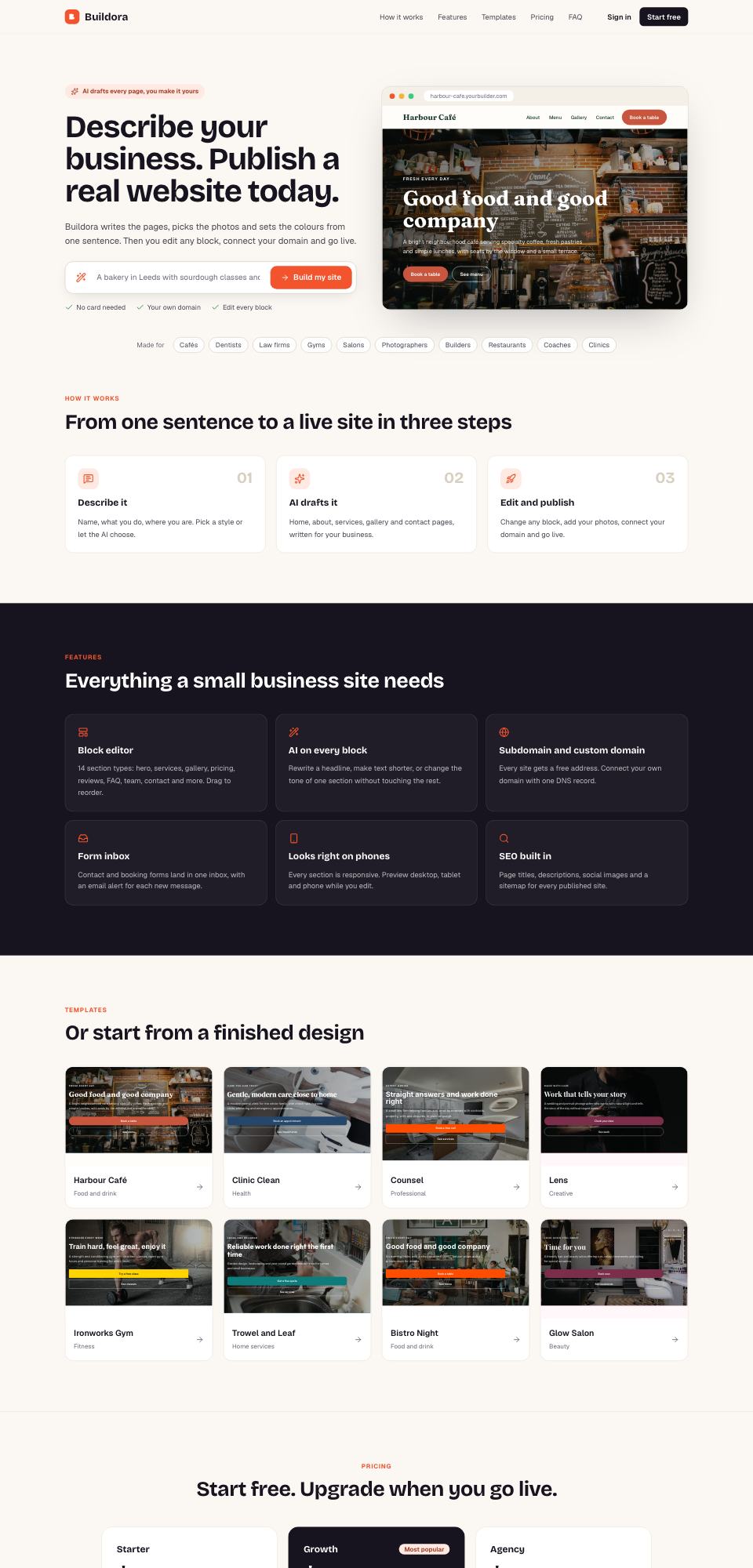
Your customers describe their business in one sentence. Buildora writes every page, picks the photos and sets the colours. They edit any block, connect their own domain and publish, and you sell the plans with Stripe.

Next.js 16OpenAI, Claude or GeminiStripe billingDocker install
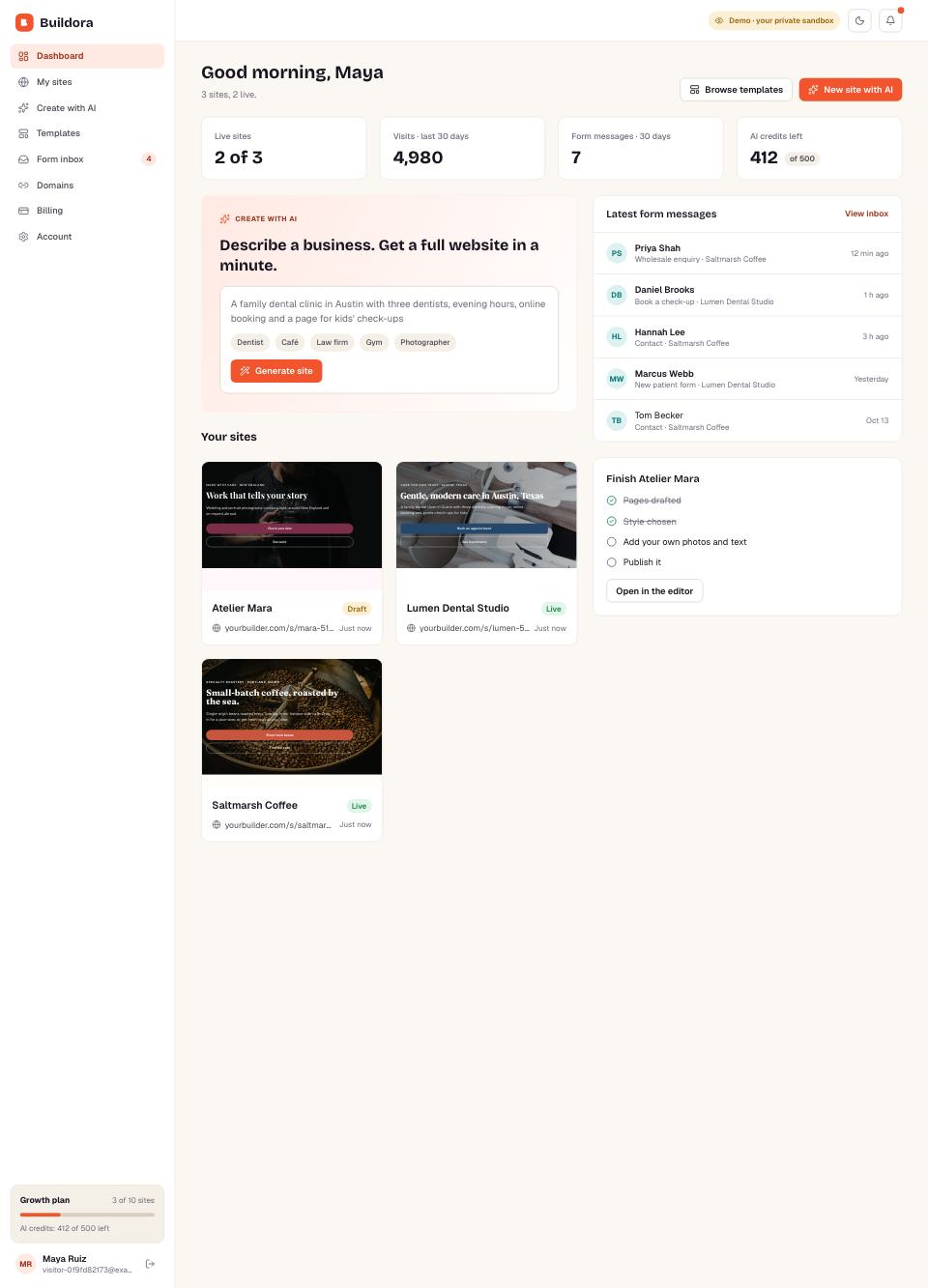
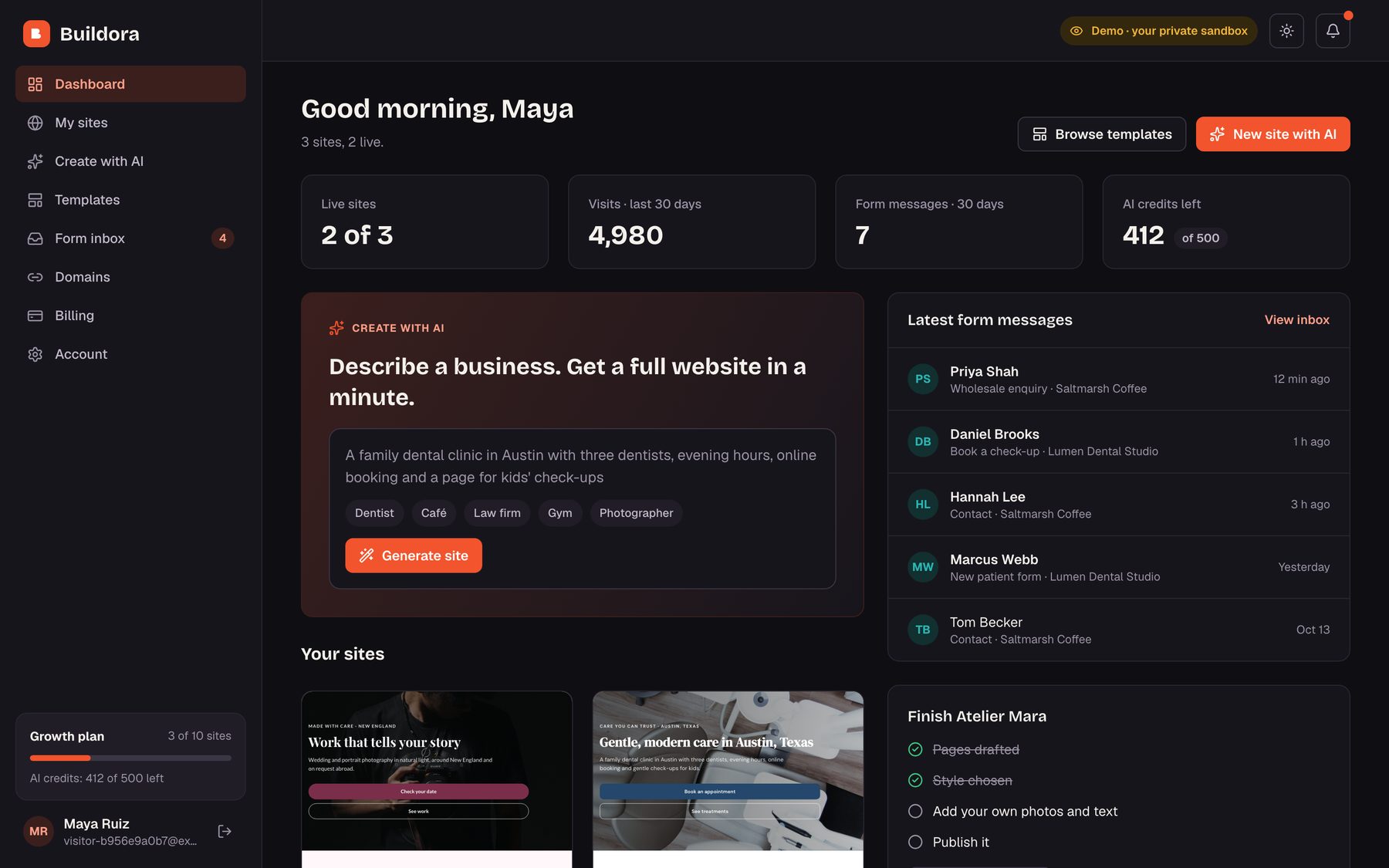
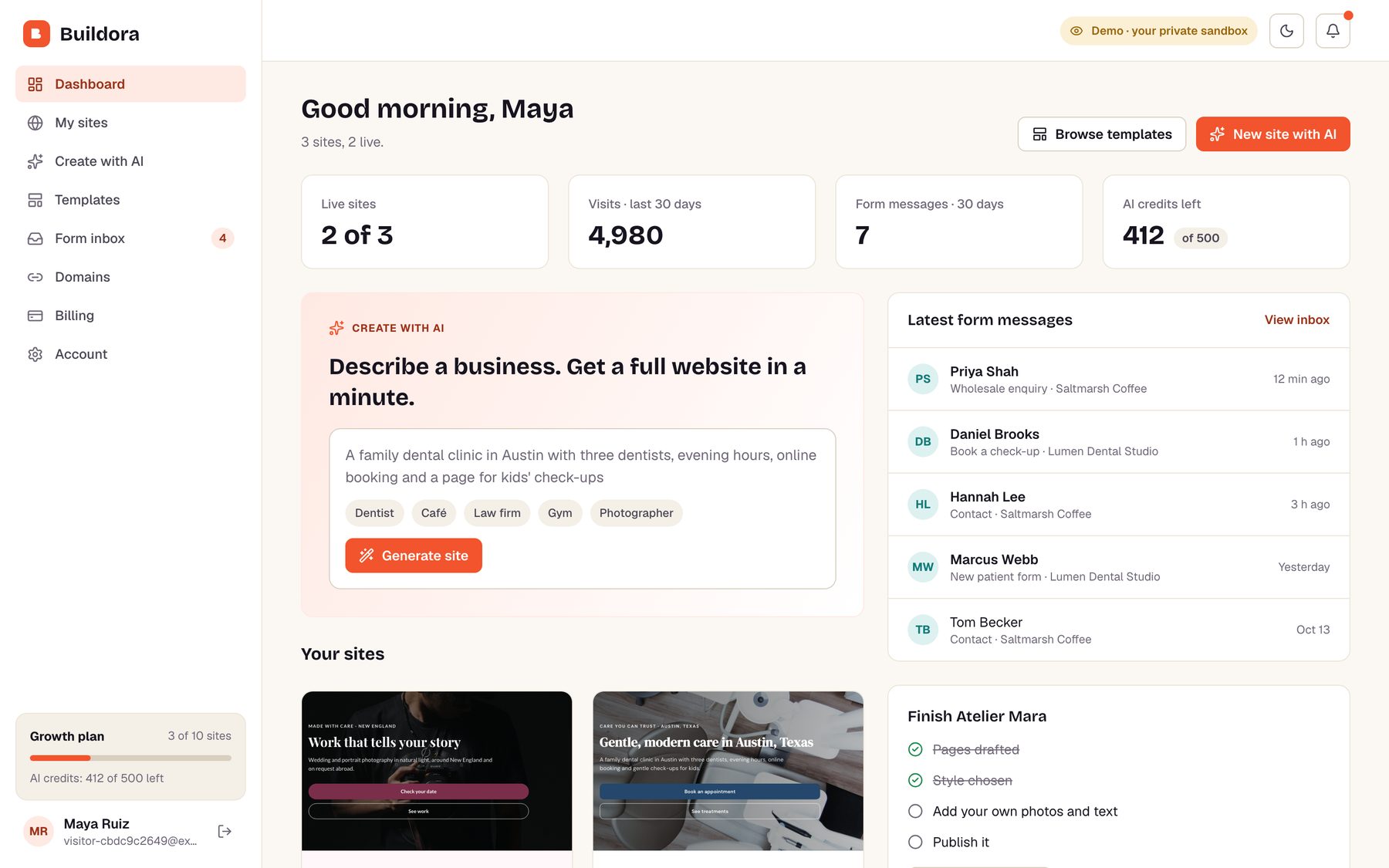
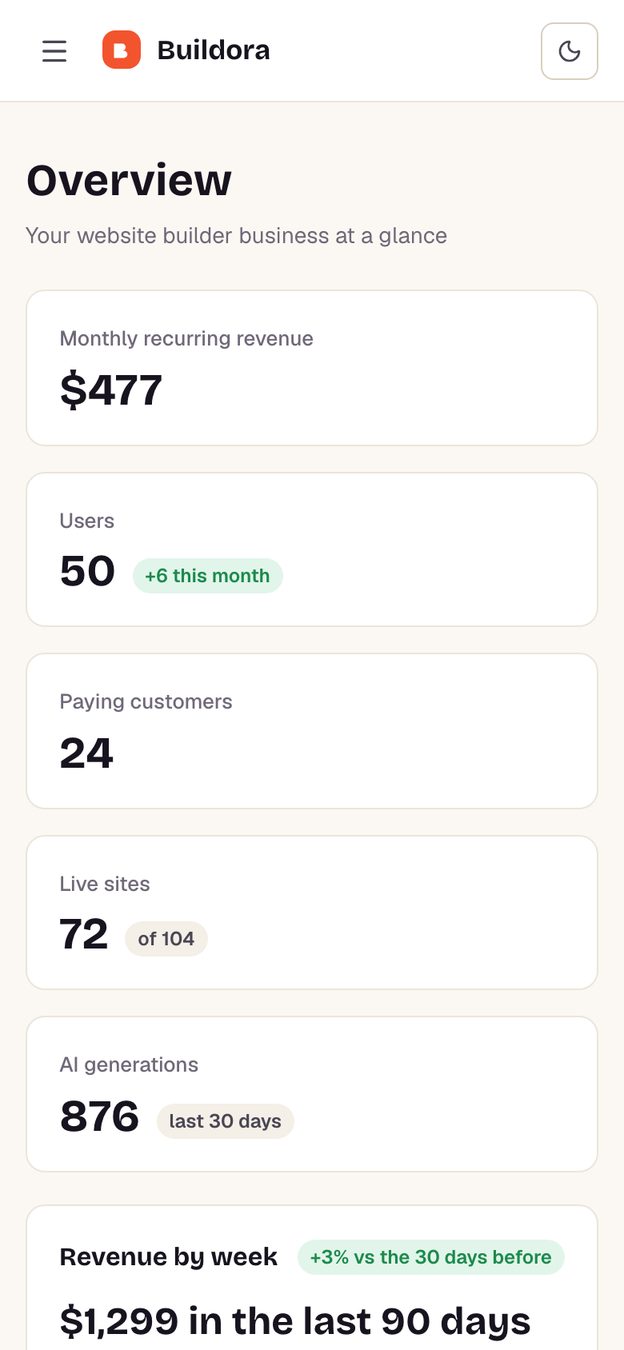
Buildora dashboard
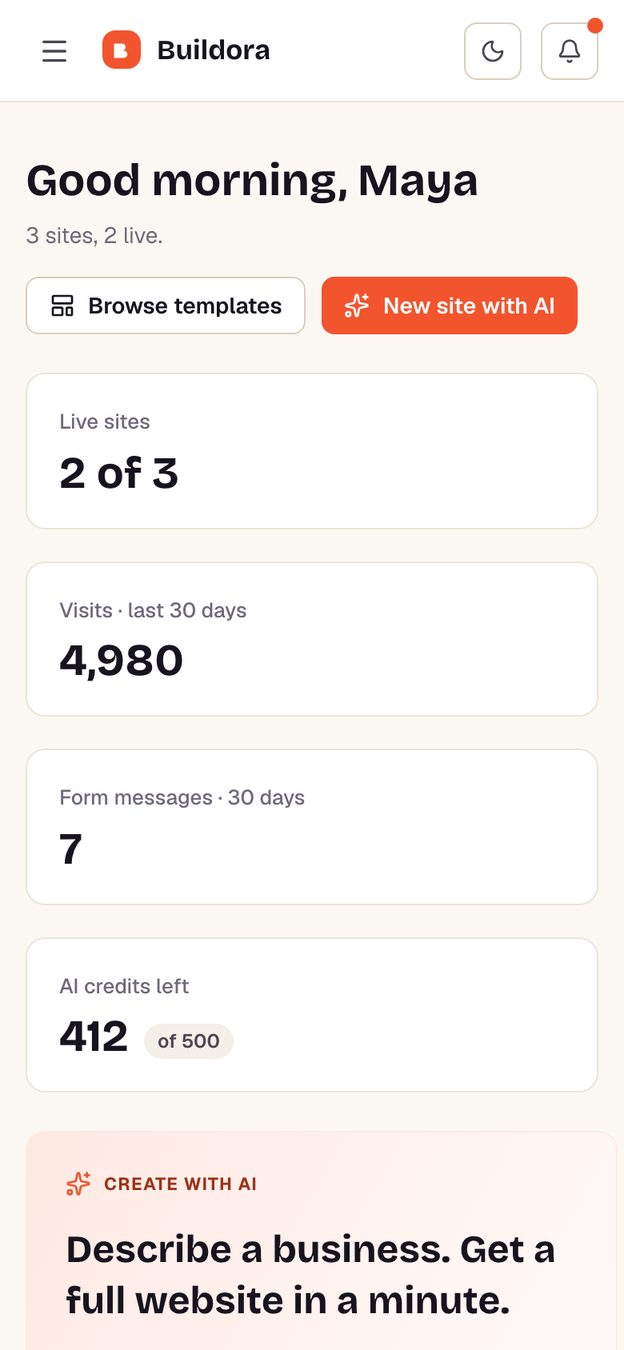
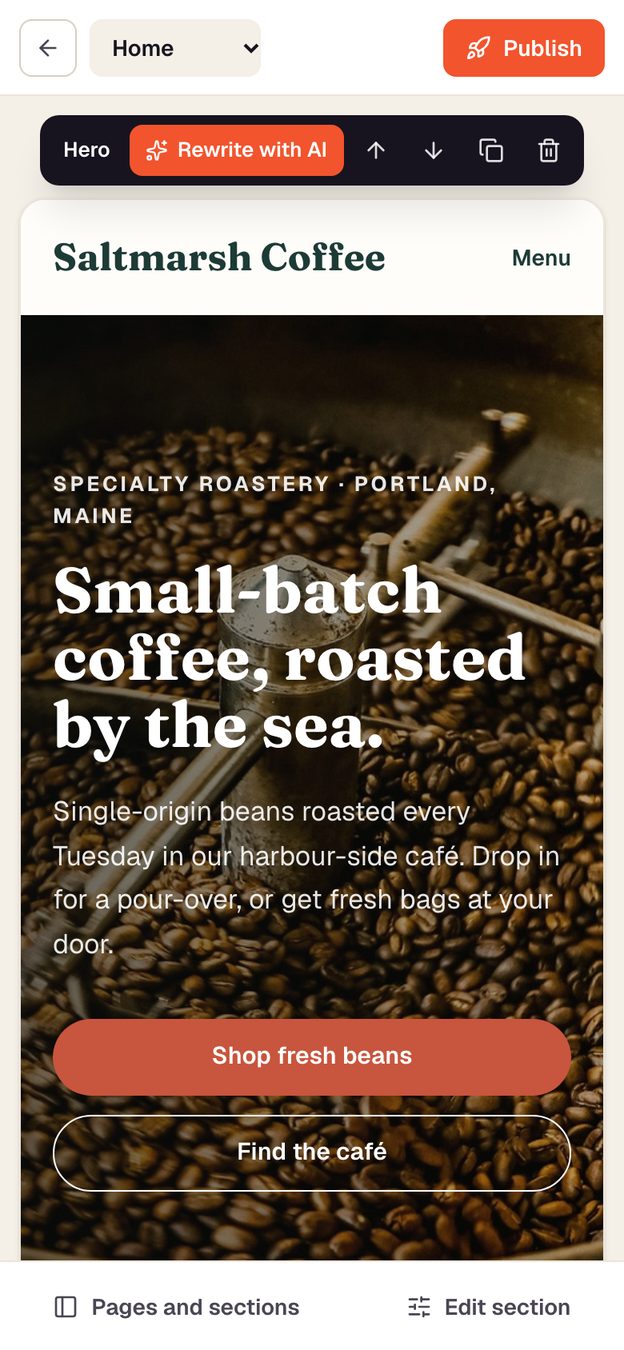
Buildora on a phone
1Sentence to a websitepages, copy and photos
14Section typesedit any block, any page
Features

Everything a website builder business needs

Not a page template: a complete product your customers sign up to, build with and pay for.

01

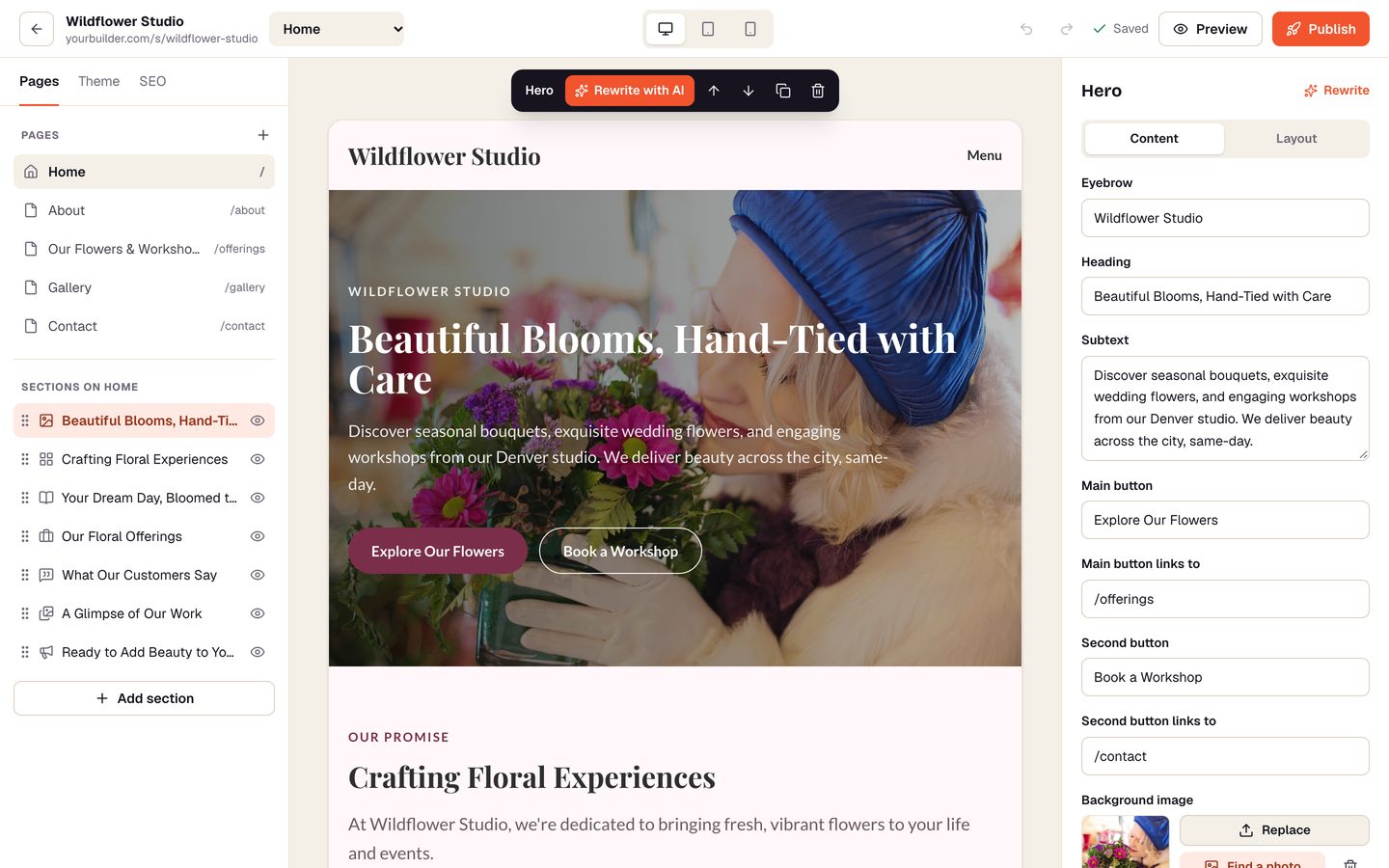
Describe it, get a website

The AI drafts every page in under a minute

  • Business name, a few lines and a style: Buildora writes the copy for each page
  • Matching stock photos are chosen and copied in, so nothing hotlinks
  • Works with the buyer's own OpenAI, Claude or Gemini key, with a built-in writer as fallback
Build a site with AI →
Describe it, get a website
02

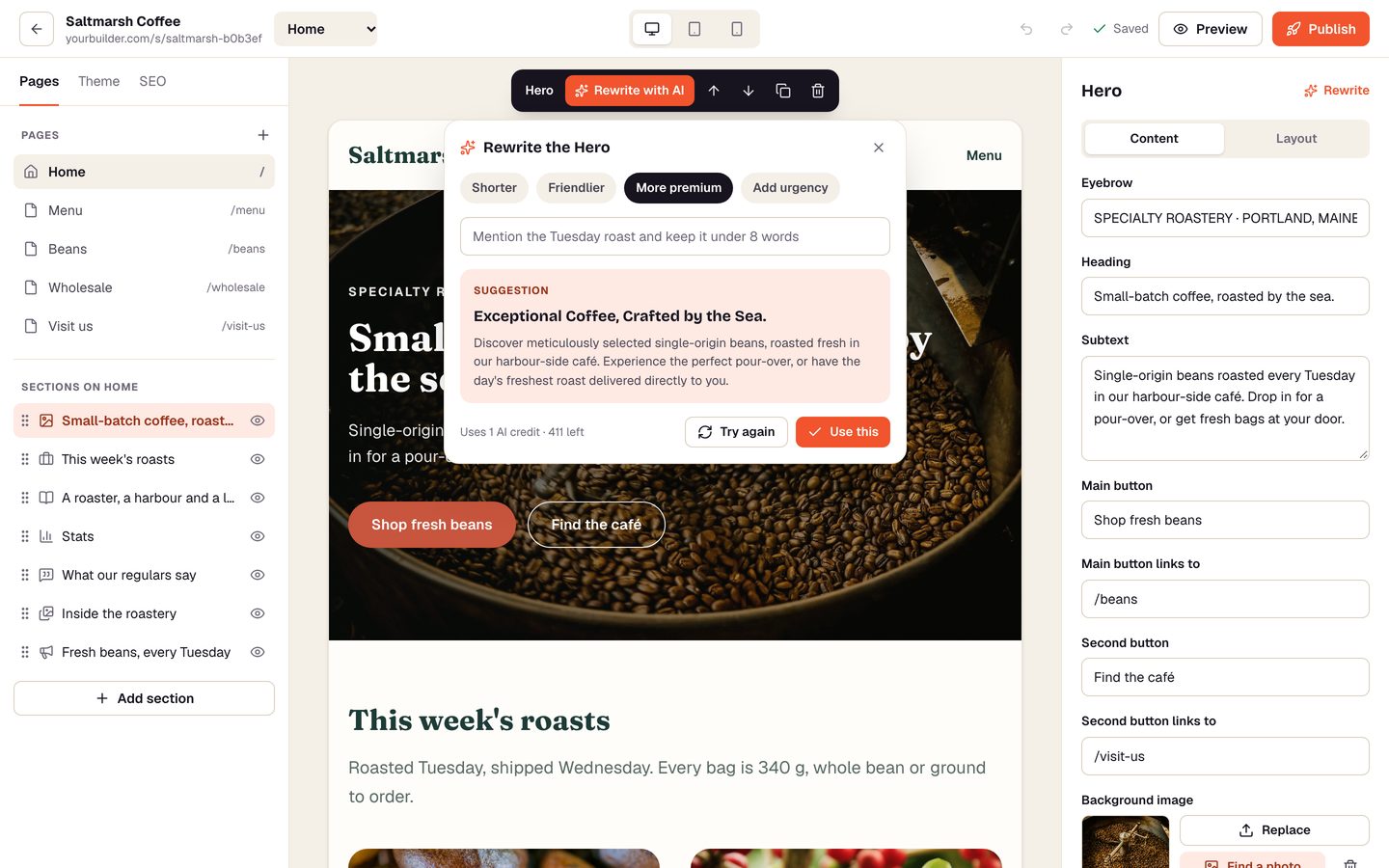
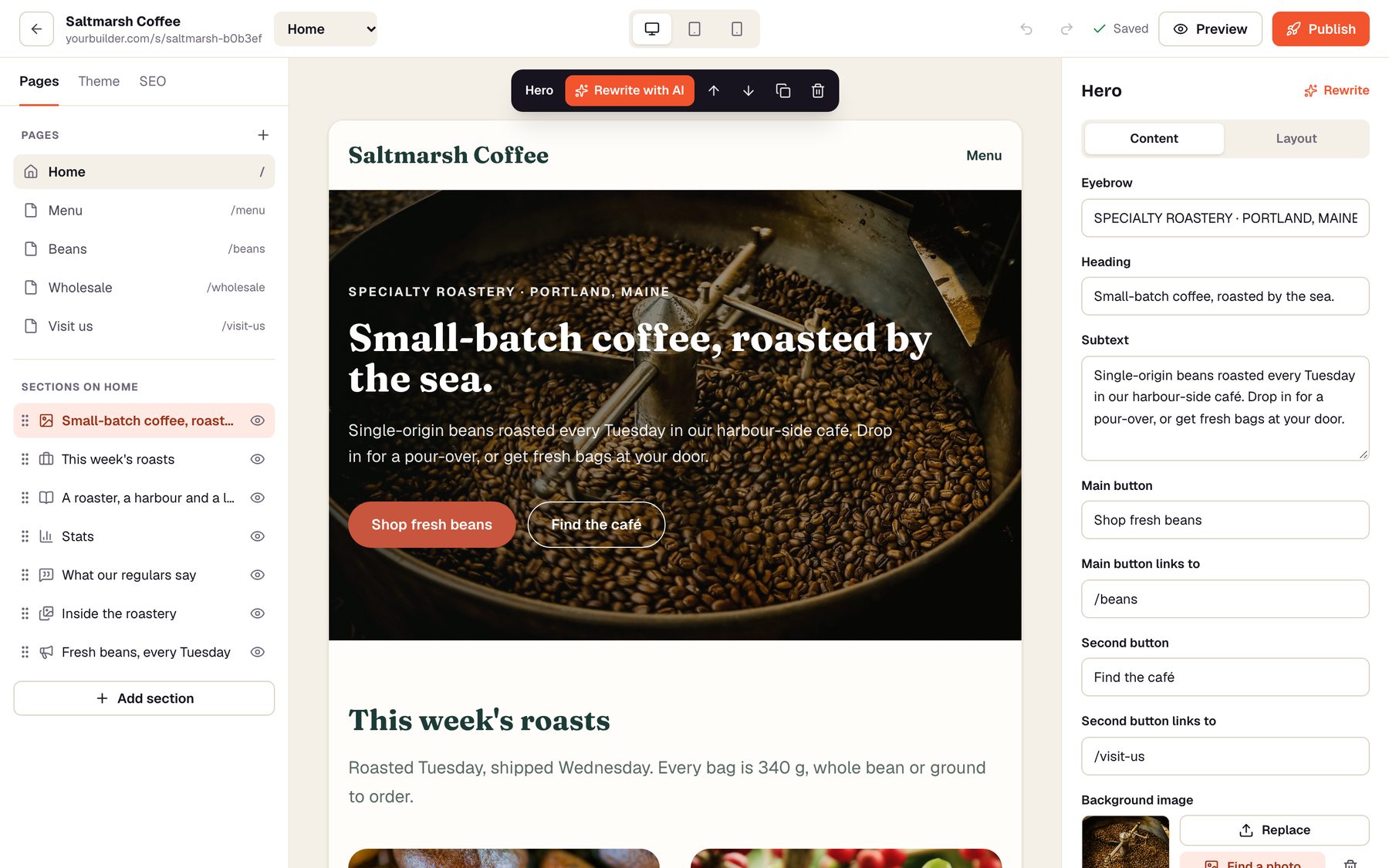
A block editor anyone can use

Click, type, drag, publish

  • 14 section types: hero, services, gallery, pricing, team, FAQ, contact form and more
  • Rewrite any section with AI, or describe a new one and it is written for you
  • Six styles, every colour and font, SEO, phone preview, undo and autosave
Open the editor →
A block editor anyone can use
03

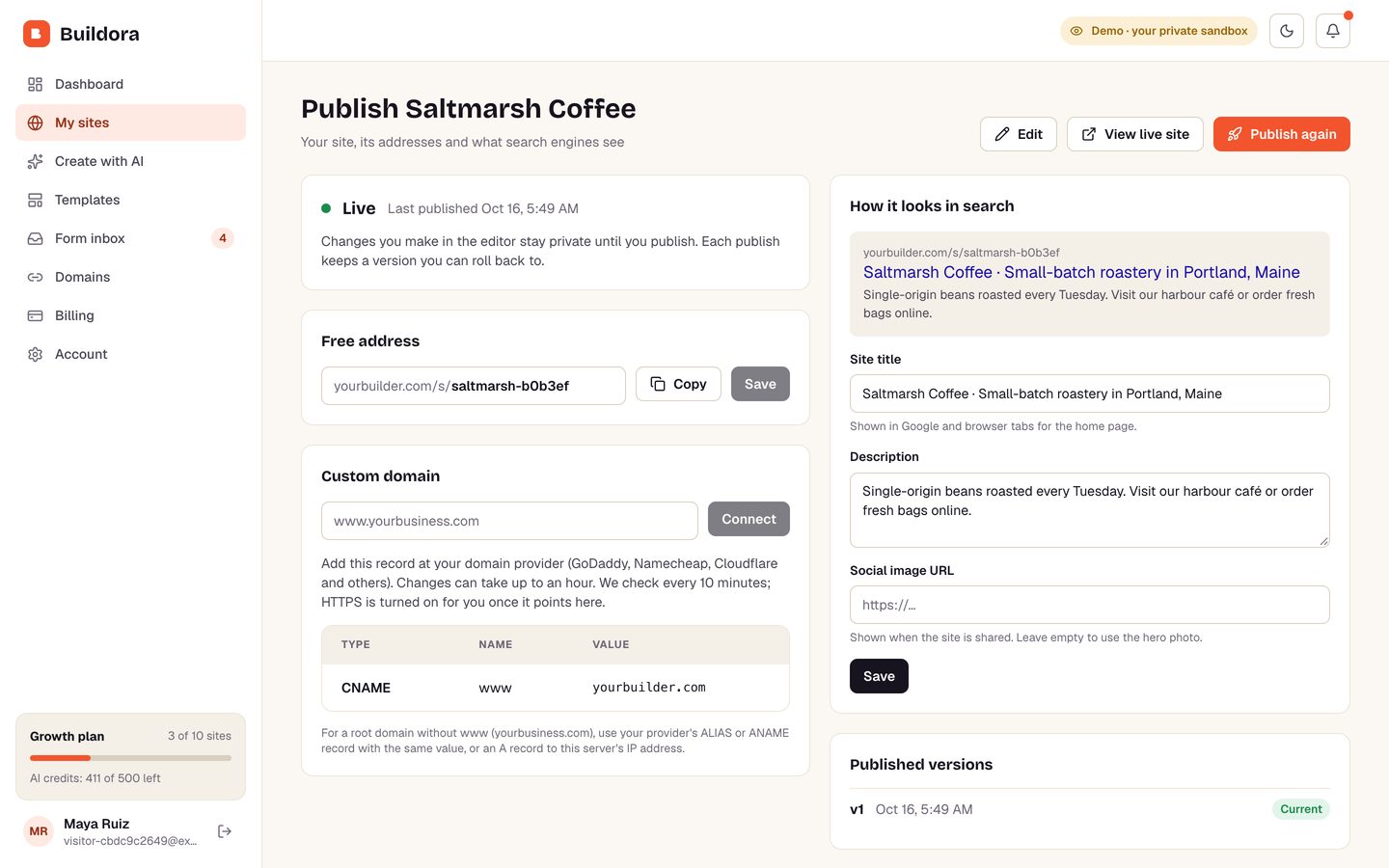
Their address or their own domain

Free subdomains and custom domains with HTTPS

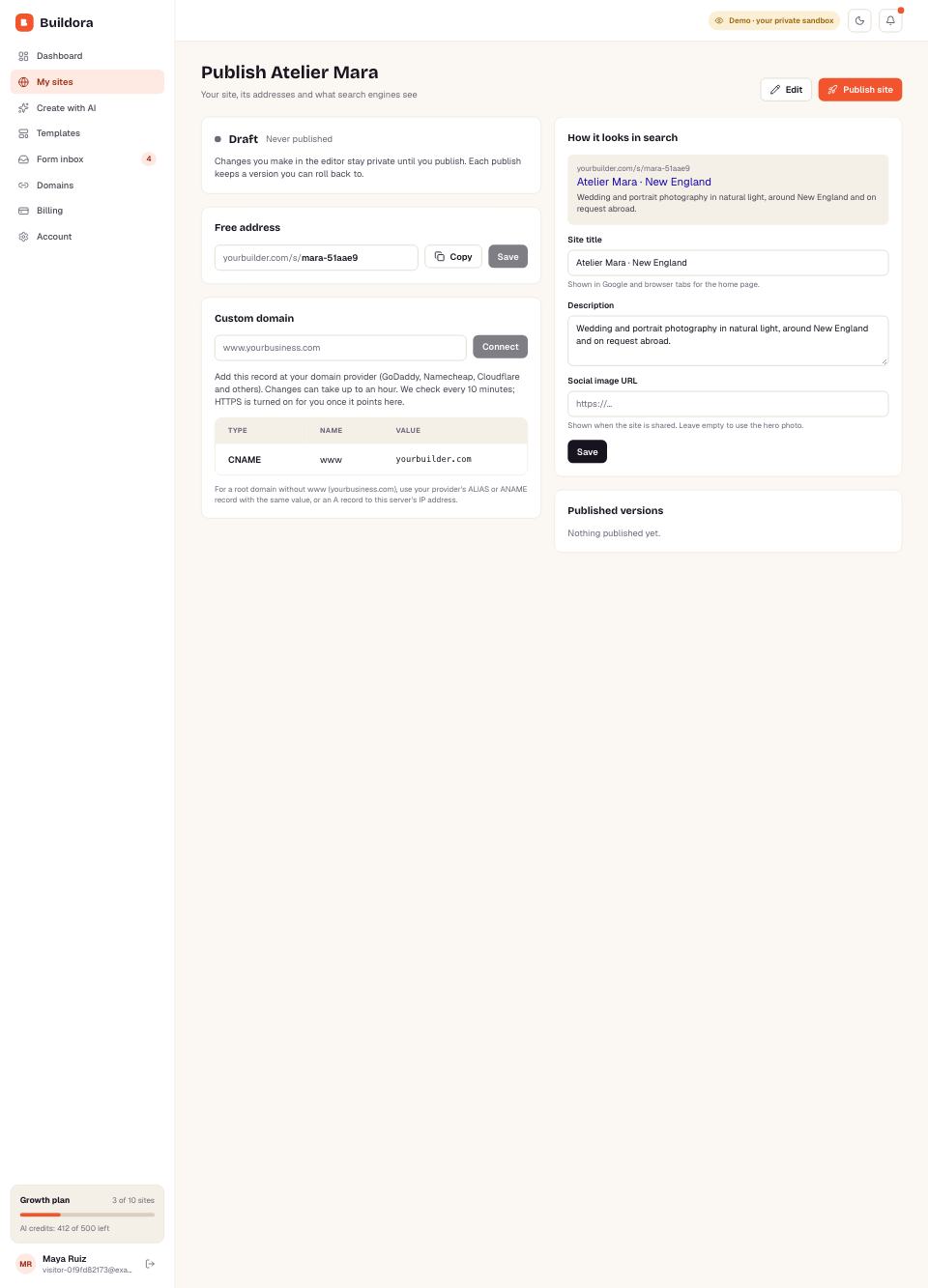
  • name.yourbuilder.com for every site, or a path address with no DNS at all
  • Custom domains with clear DNS steps, automatic checks and automatic HTTPS
  • Version history with one-click rollback, sitemaps and a form inbox
See a published site →
Their address or their own domain
04

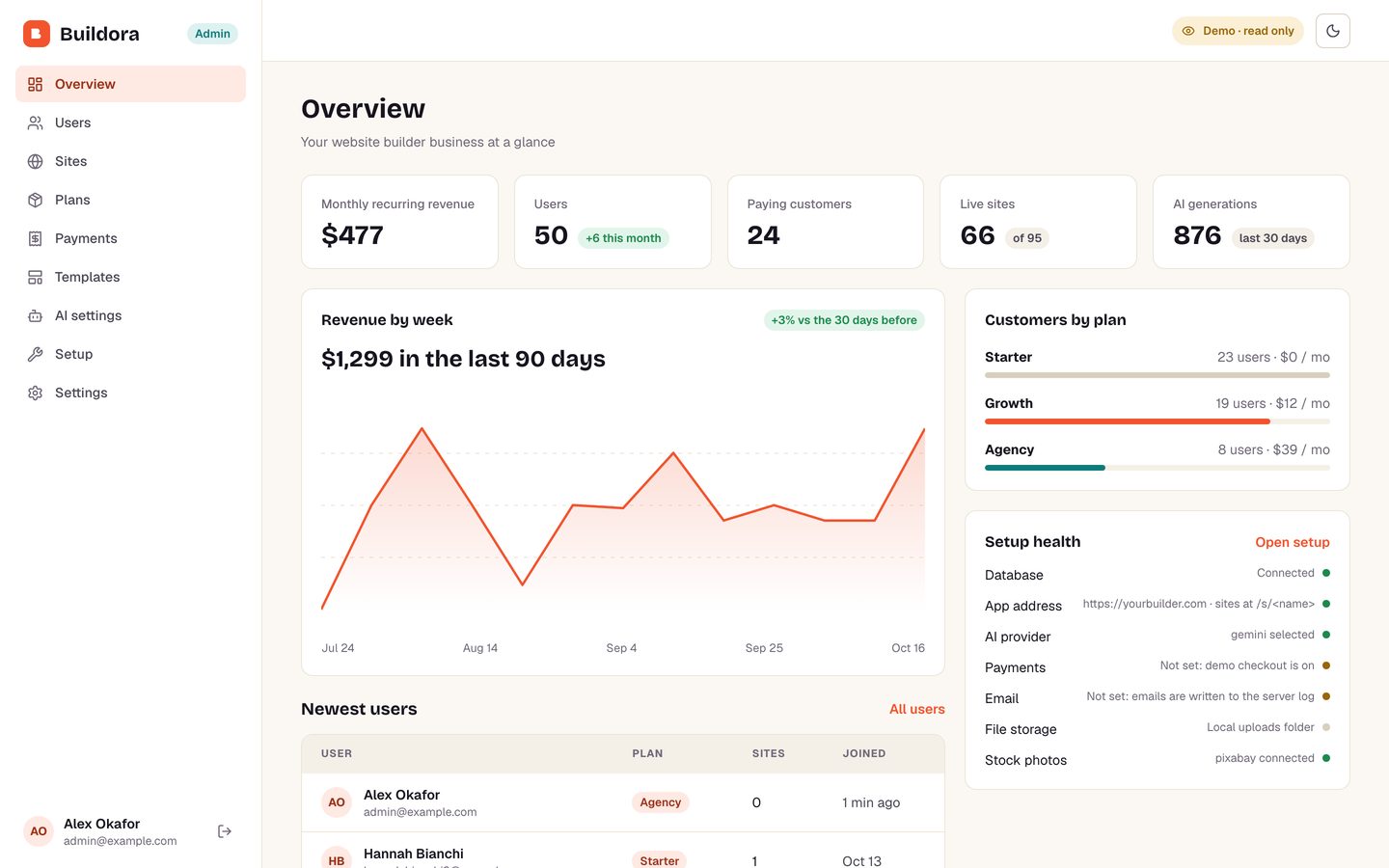
Run it as a business

Plans, Stripe billing and a full admin panel

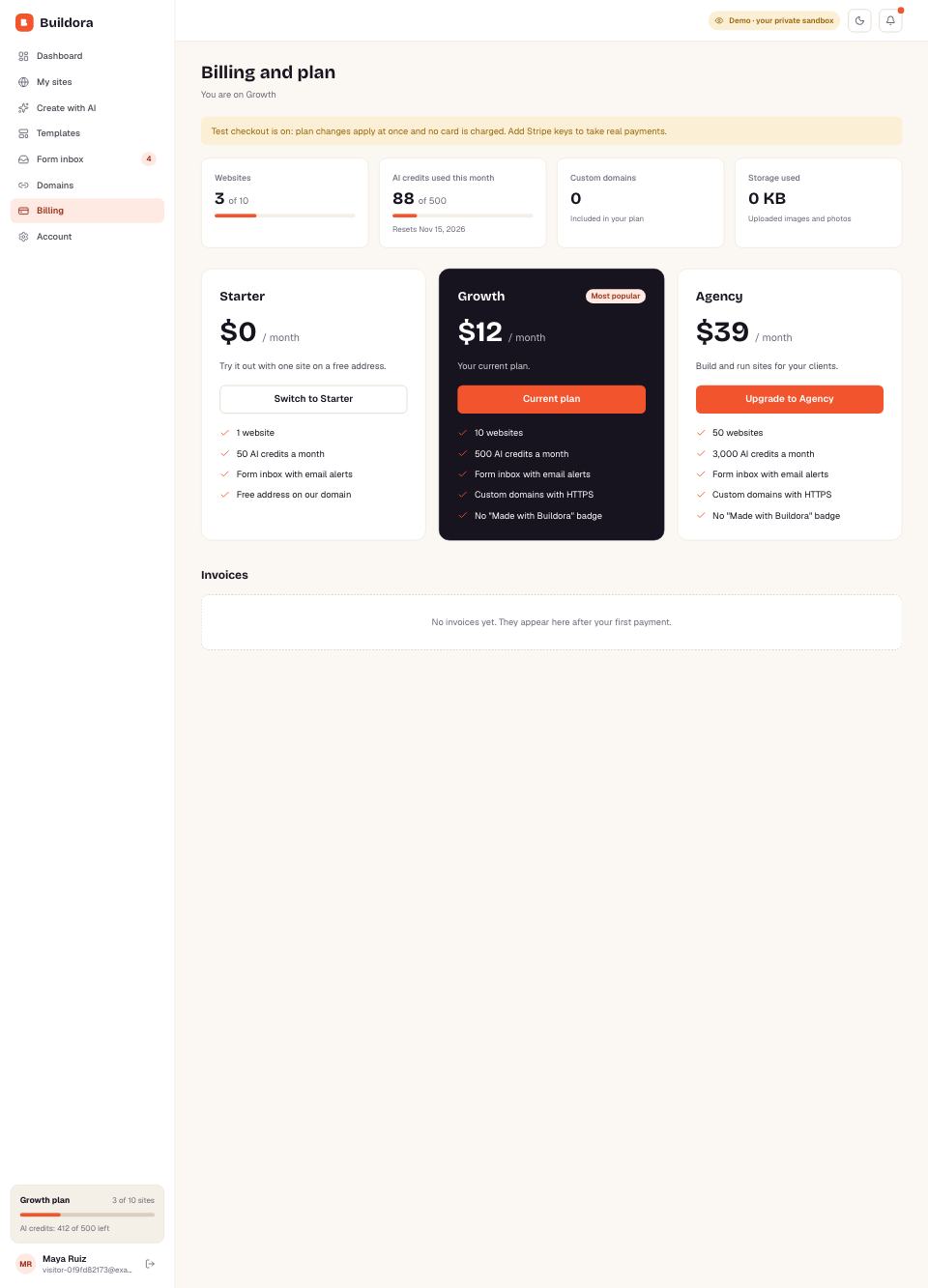
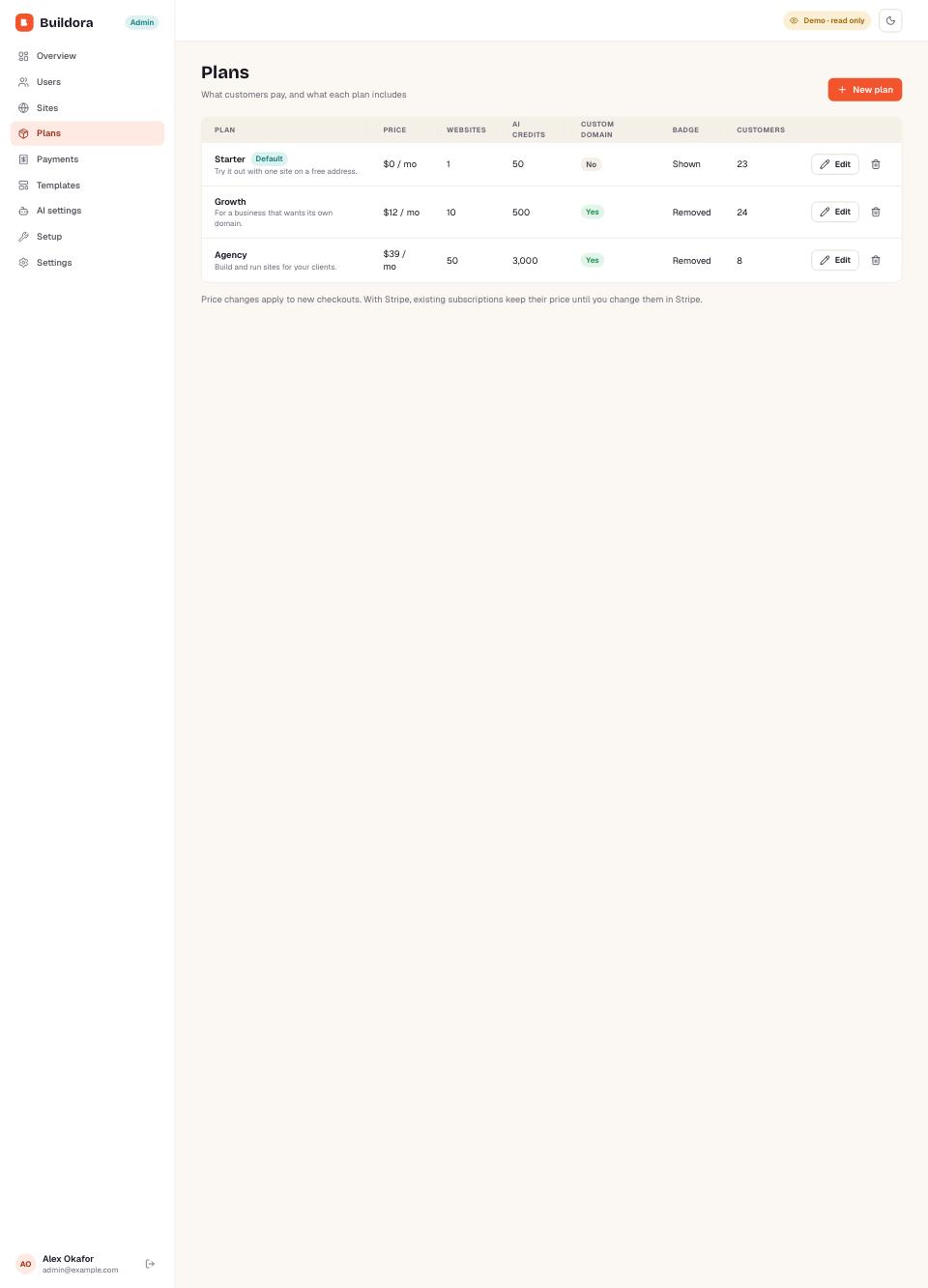
  • Plans with site, AI-credit and custom-domain limits; Stripe subscriptions and invoices
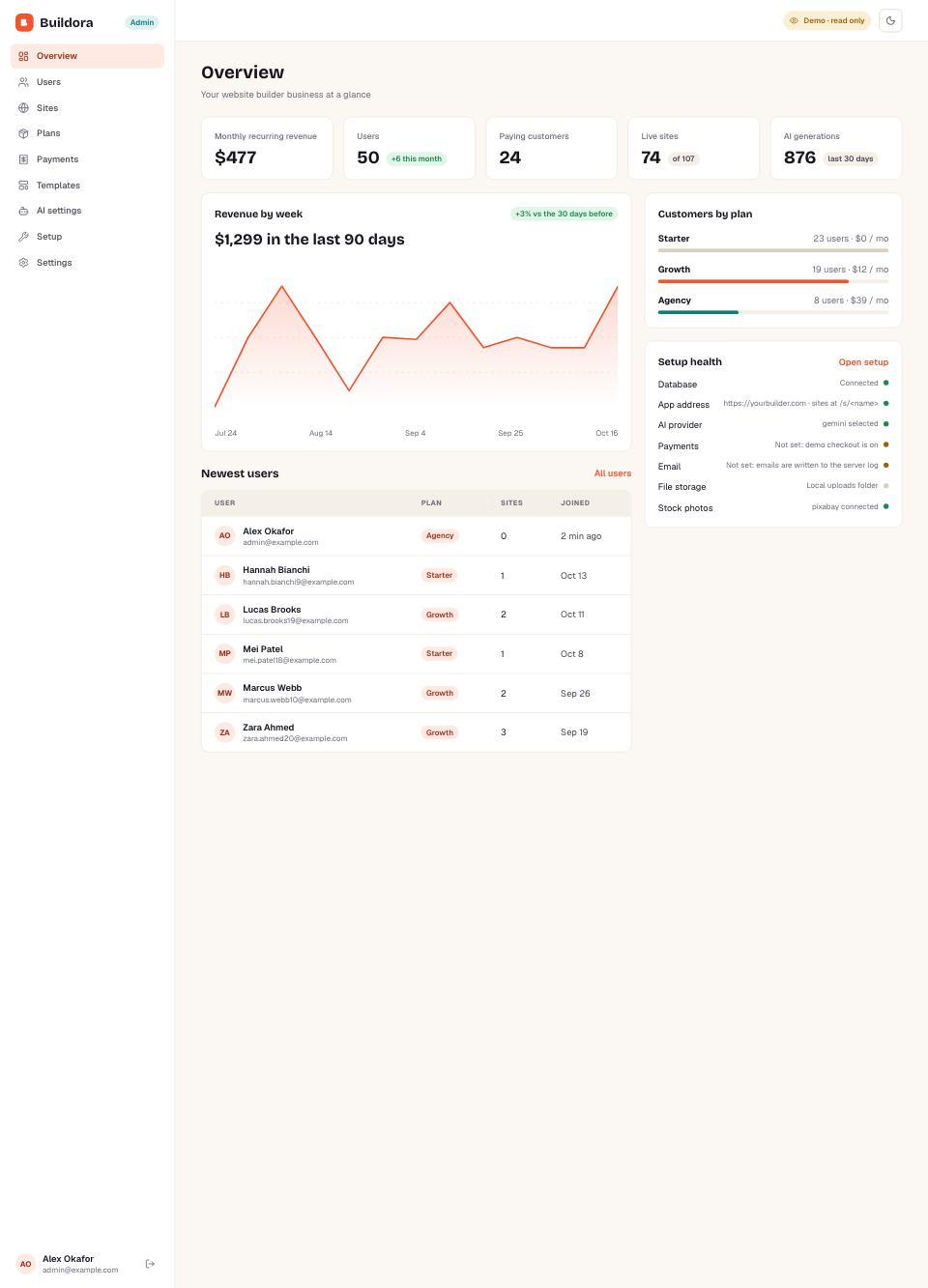
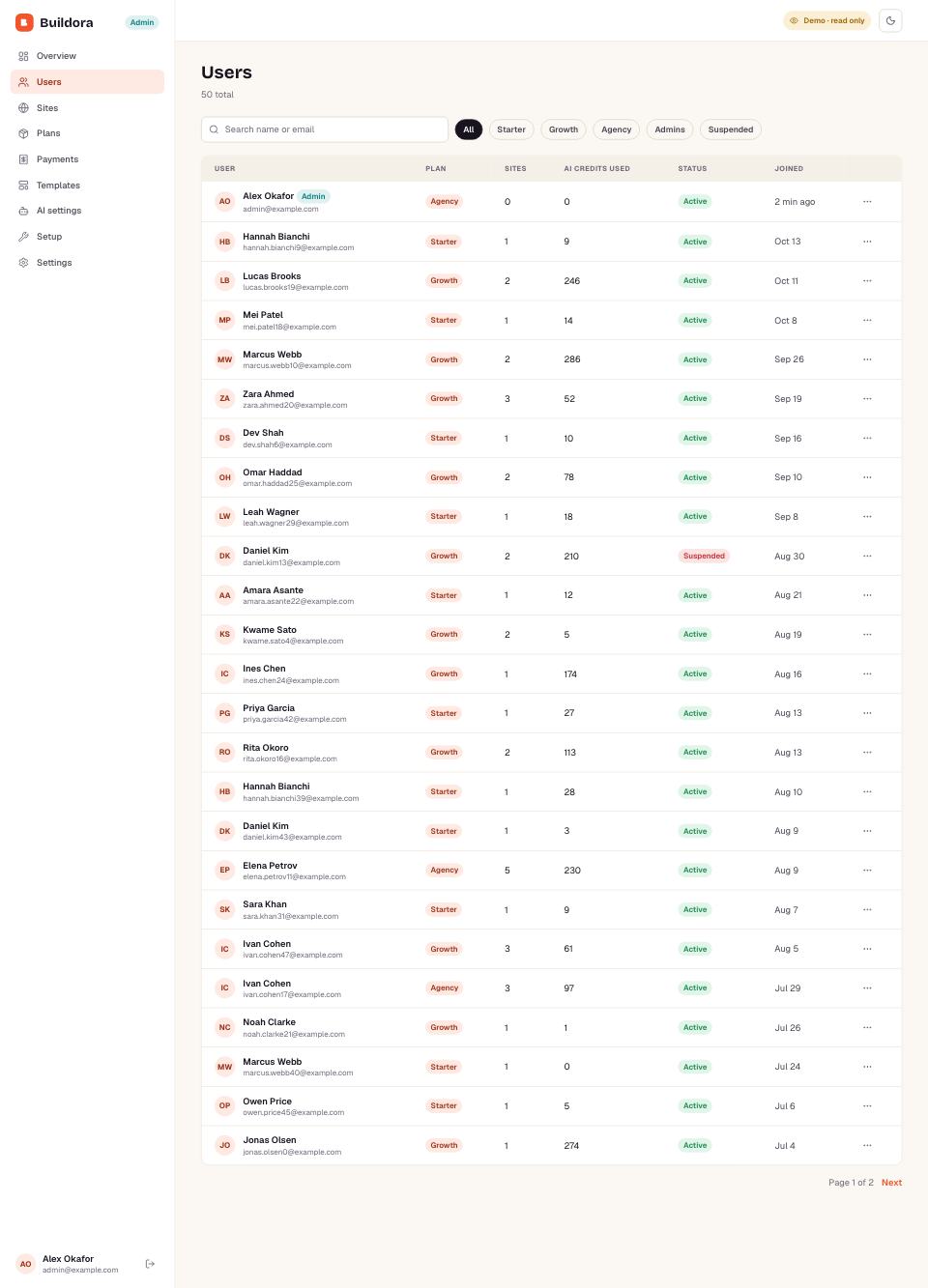
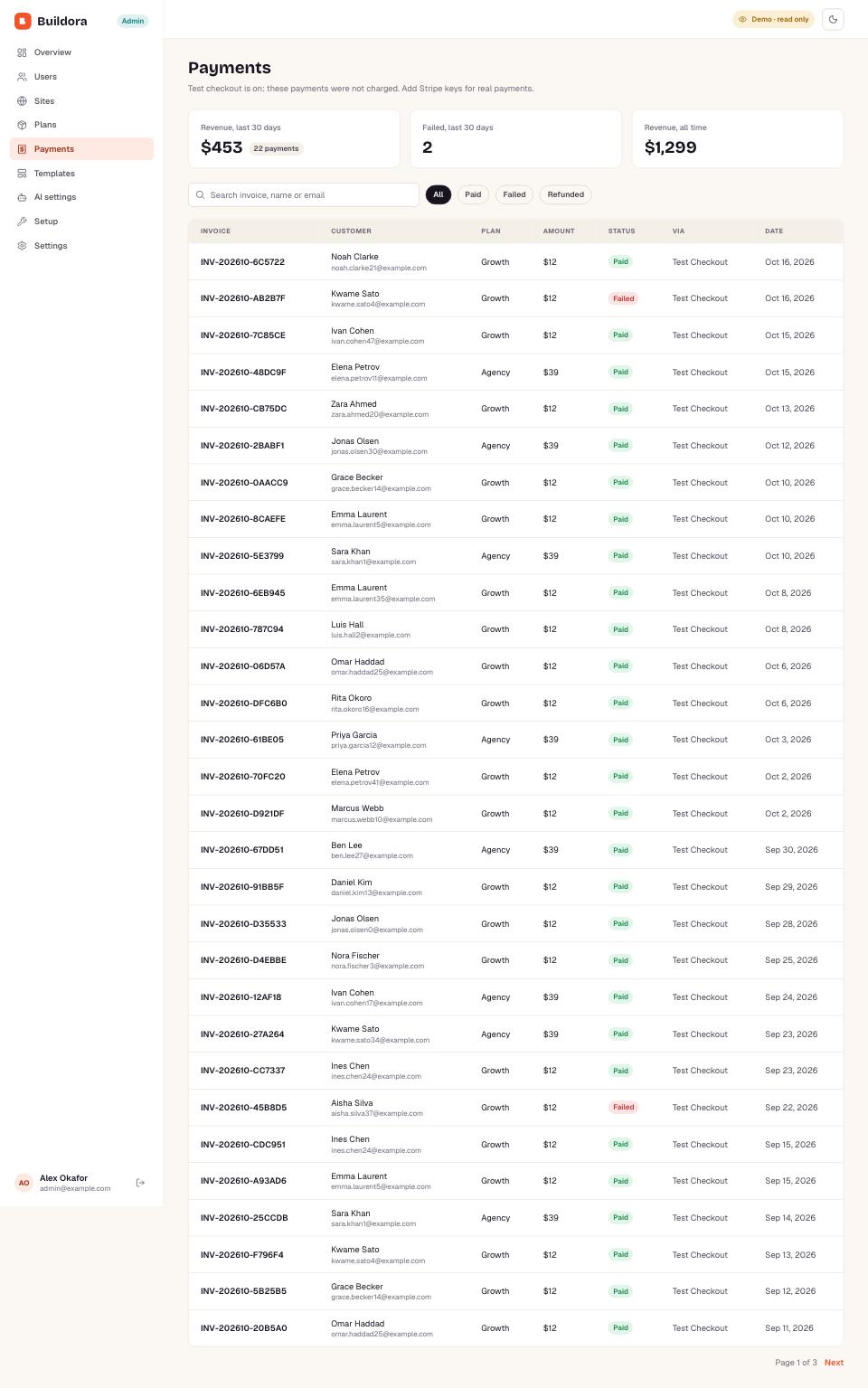
  • Revenue, users, sites, payments, templates and AI usage in one place
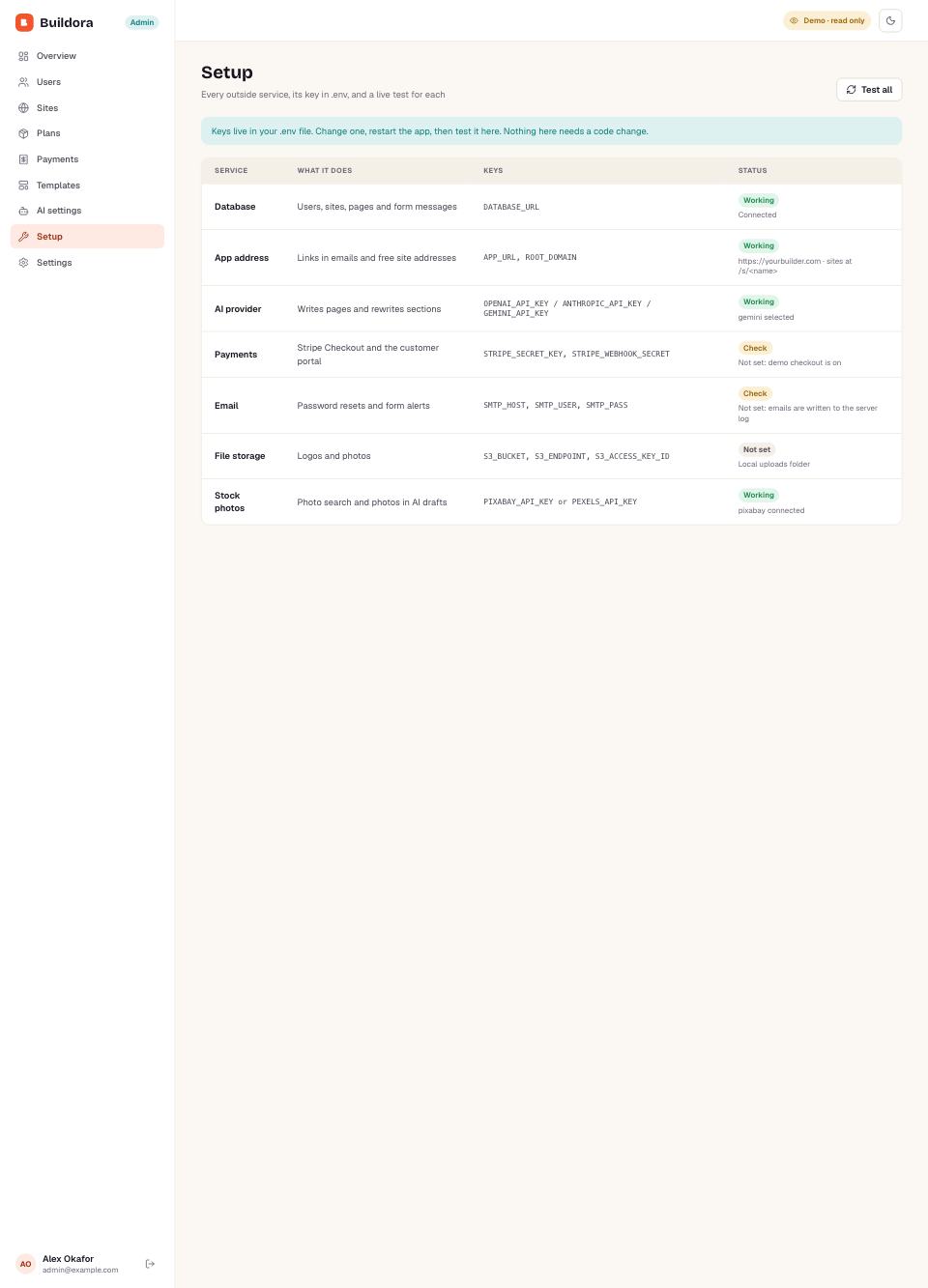
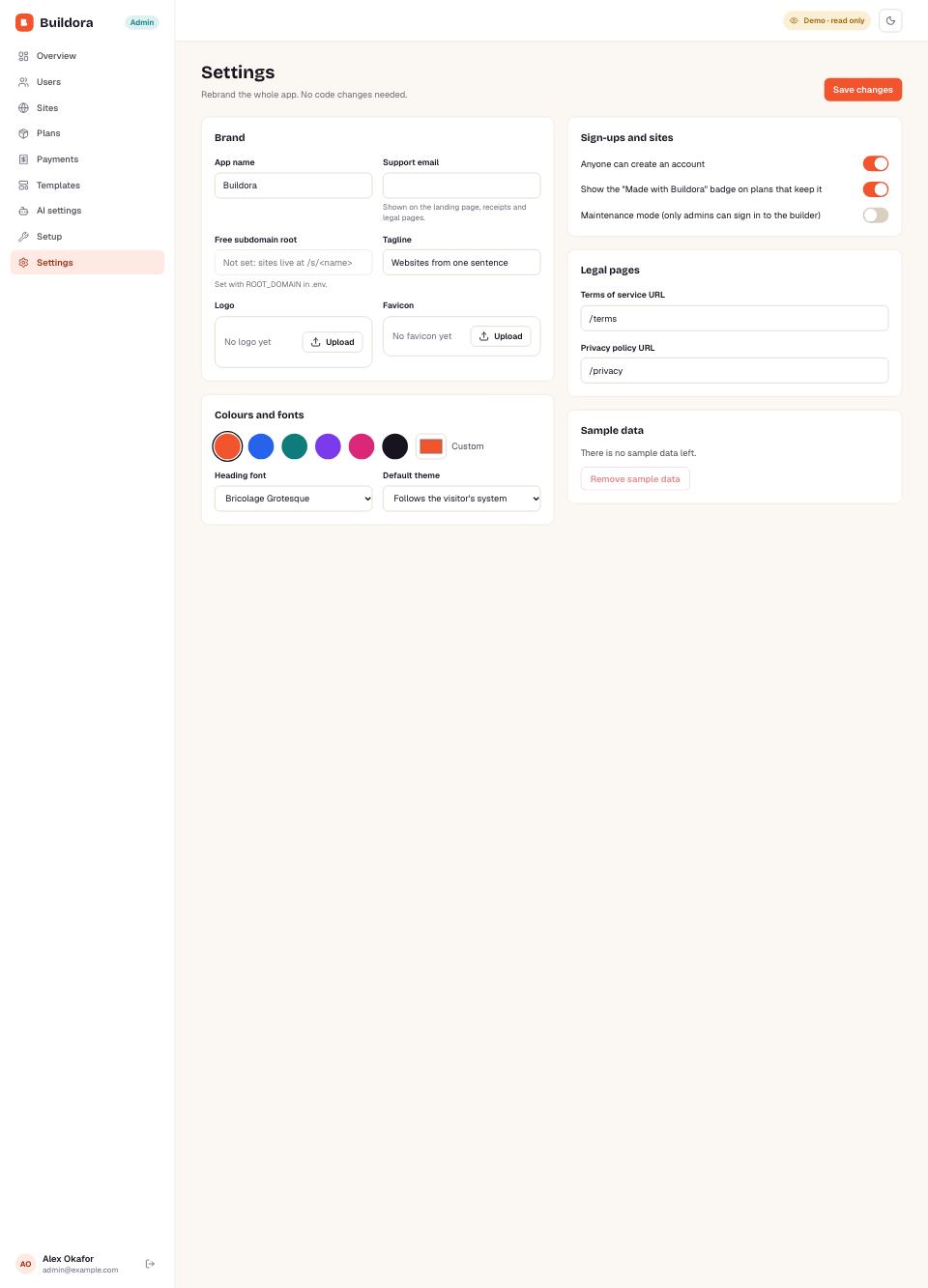
  • Setup page tests every key; rebrand name, logo and colours without code
Open the admin panel →
Run it as a business
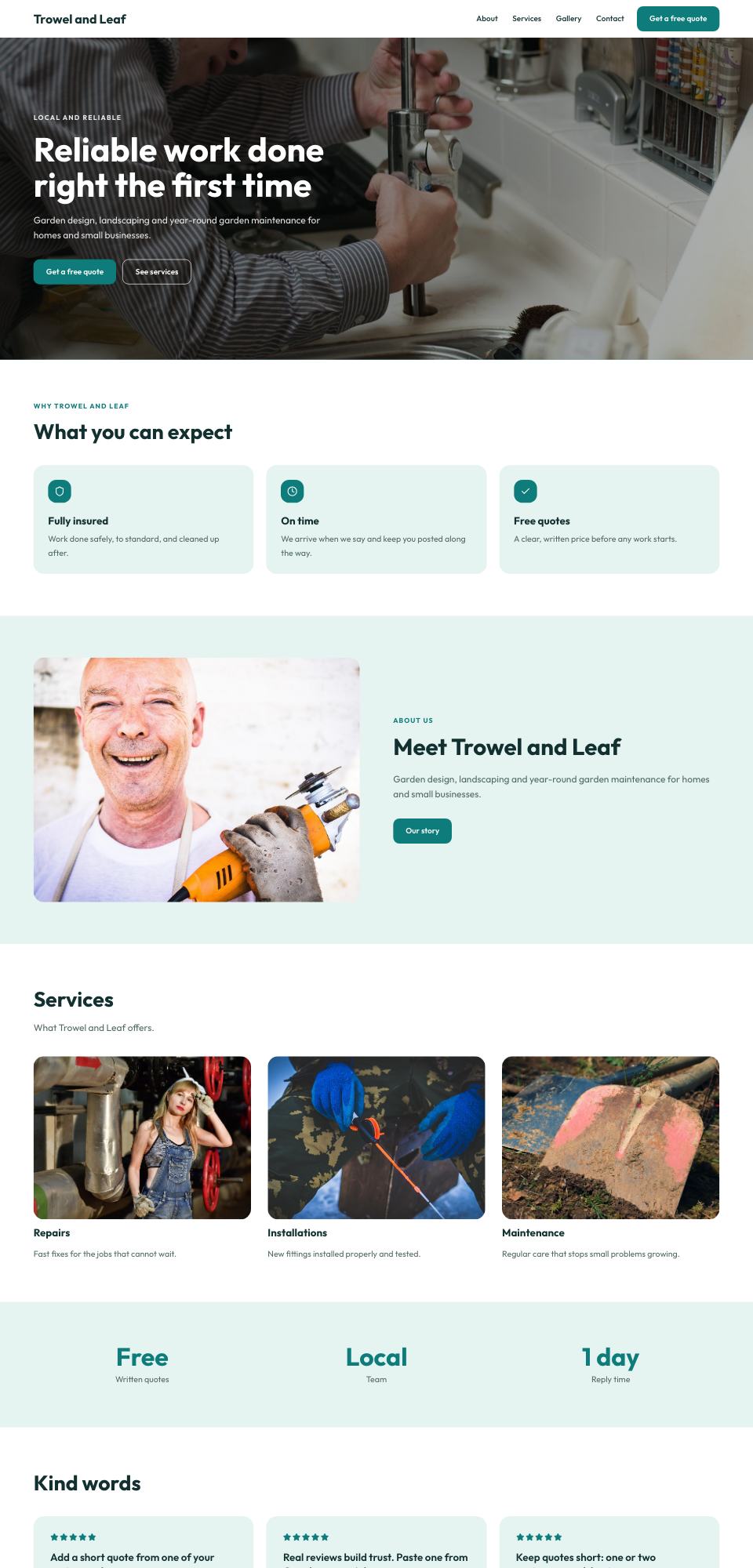
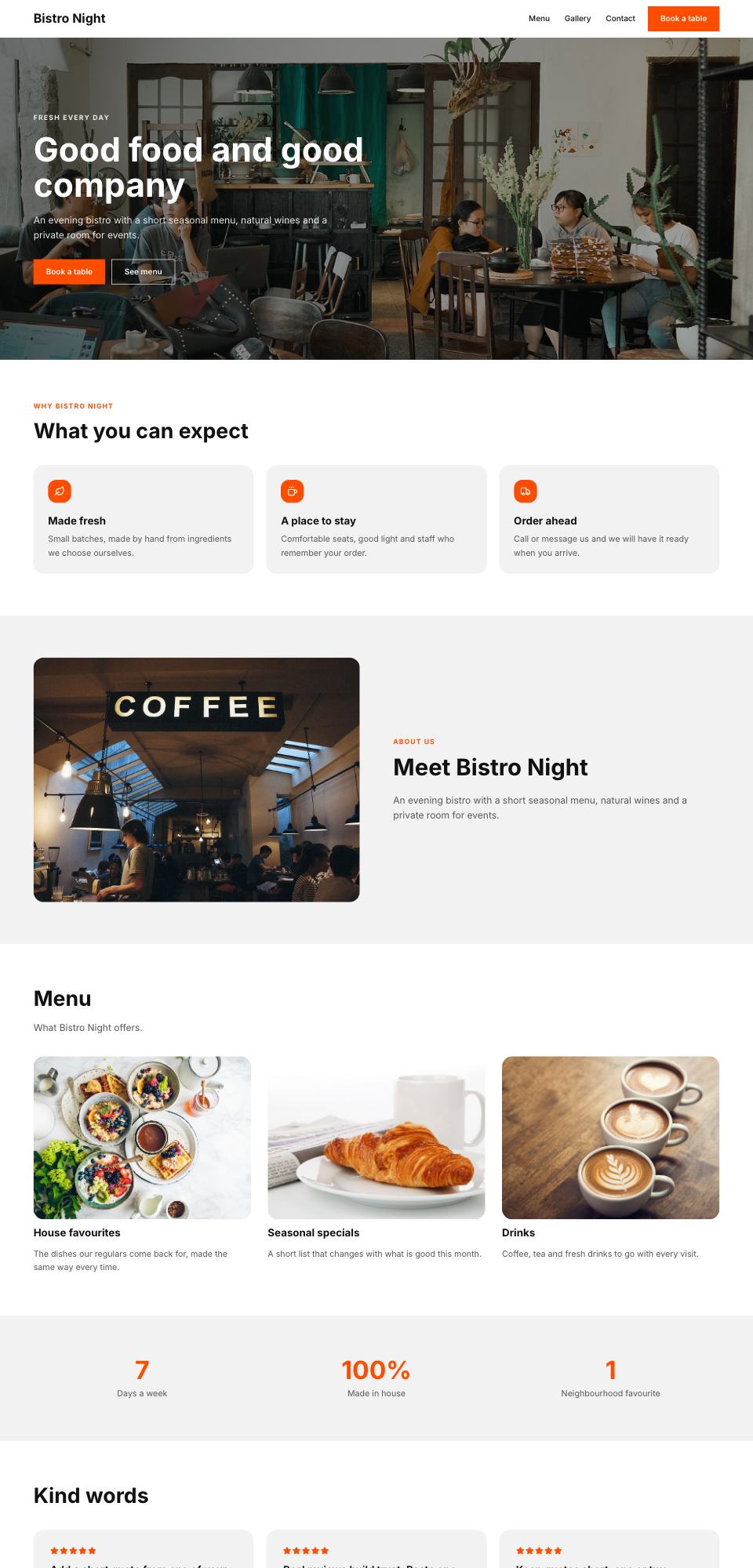
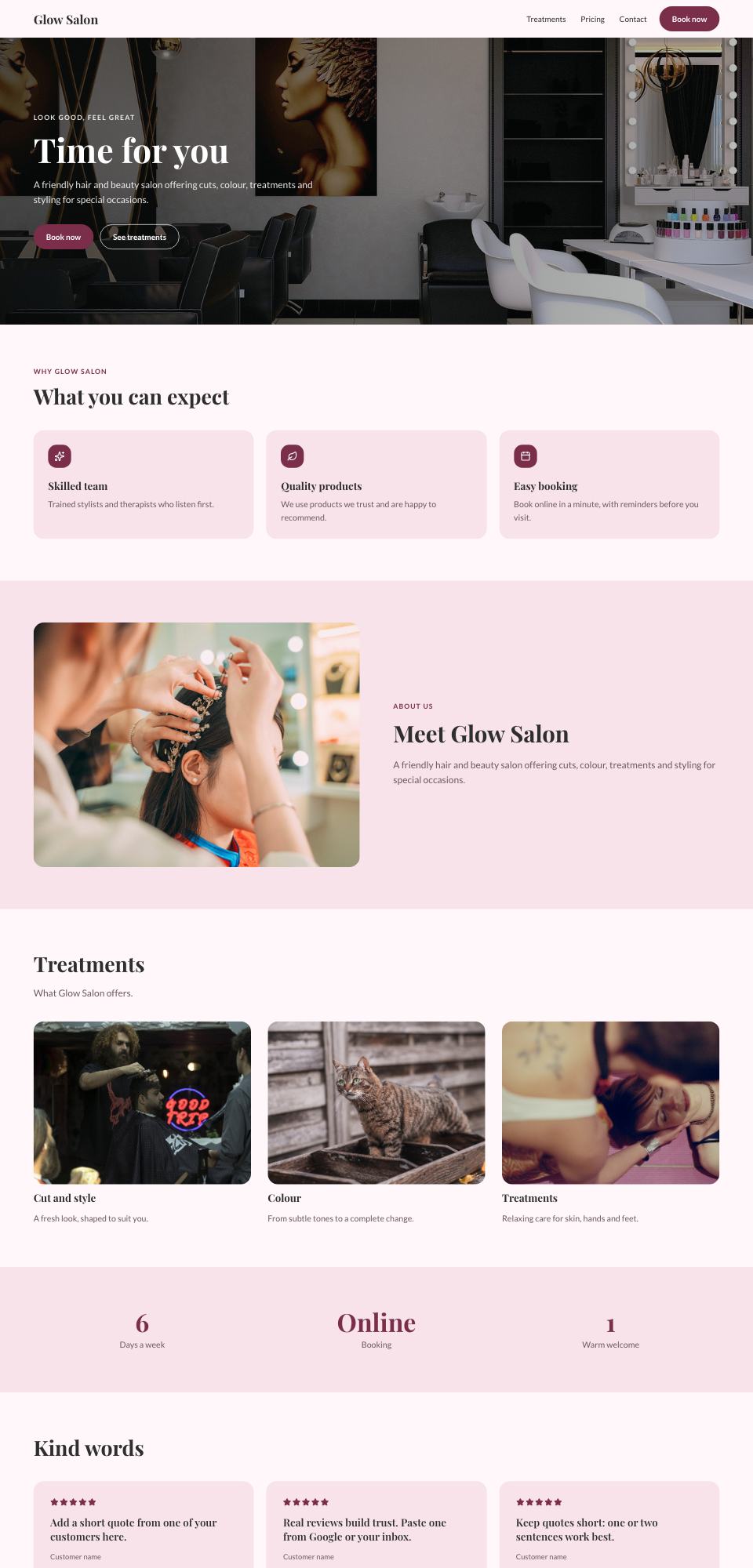
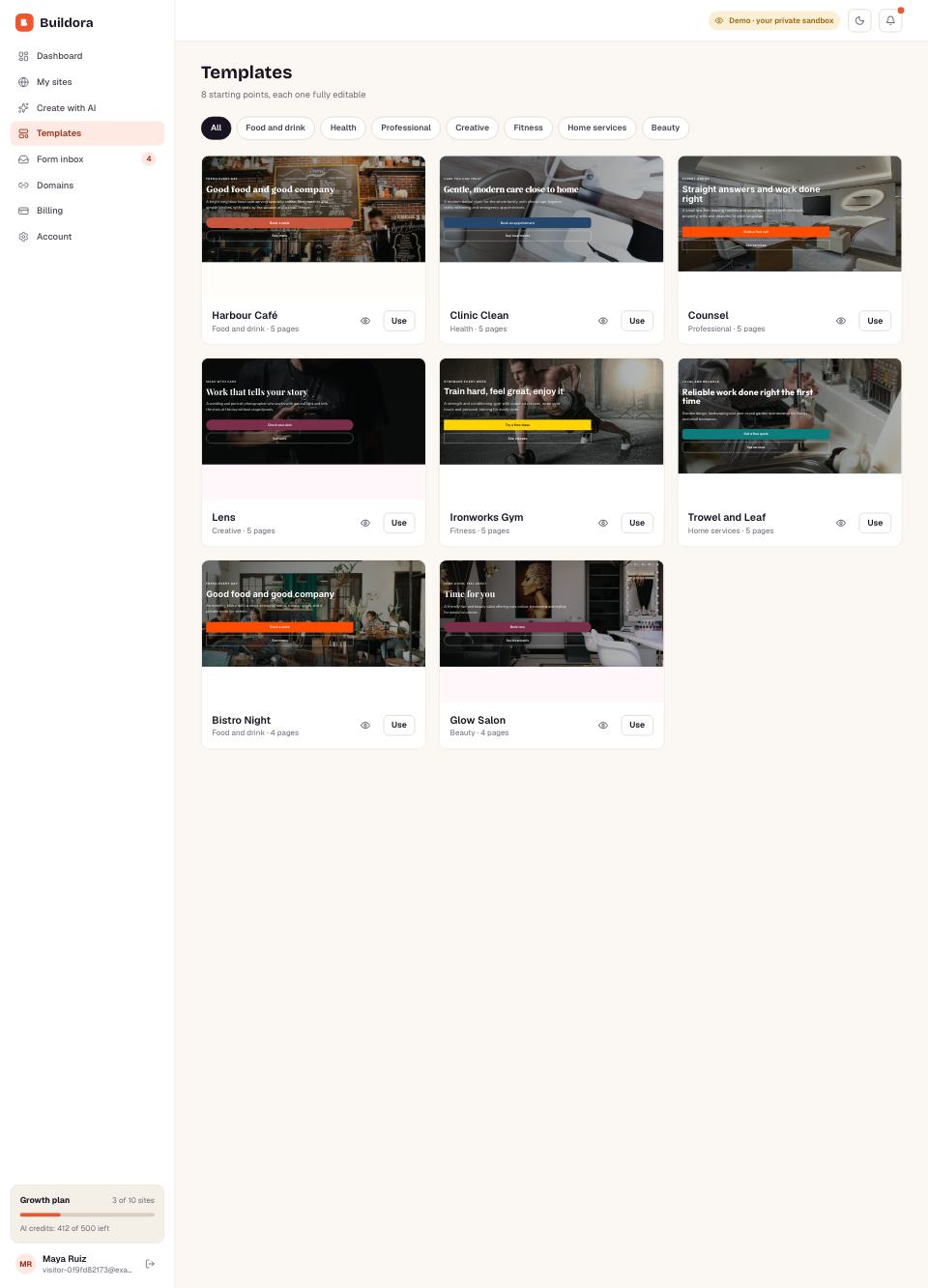
8 templates

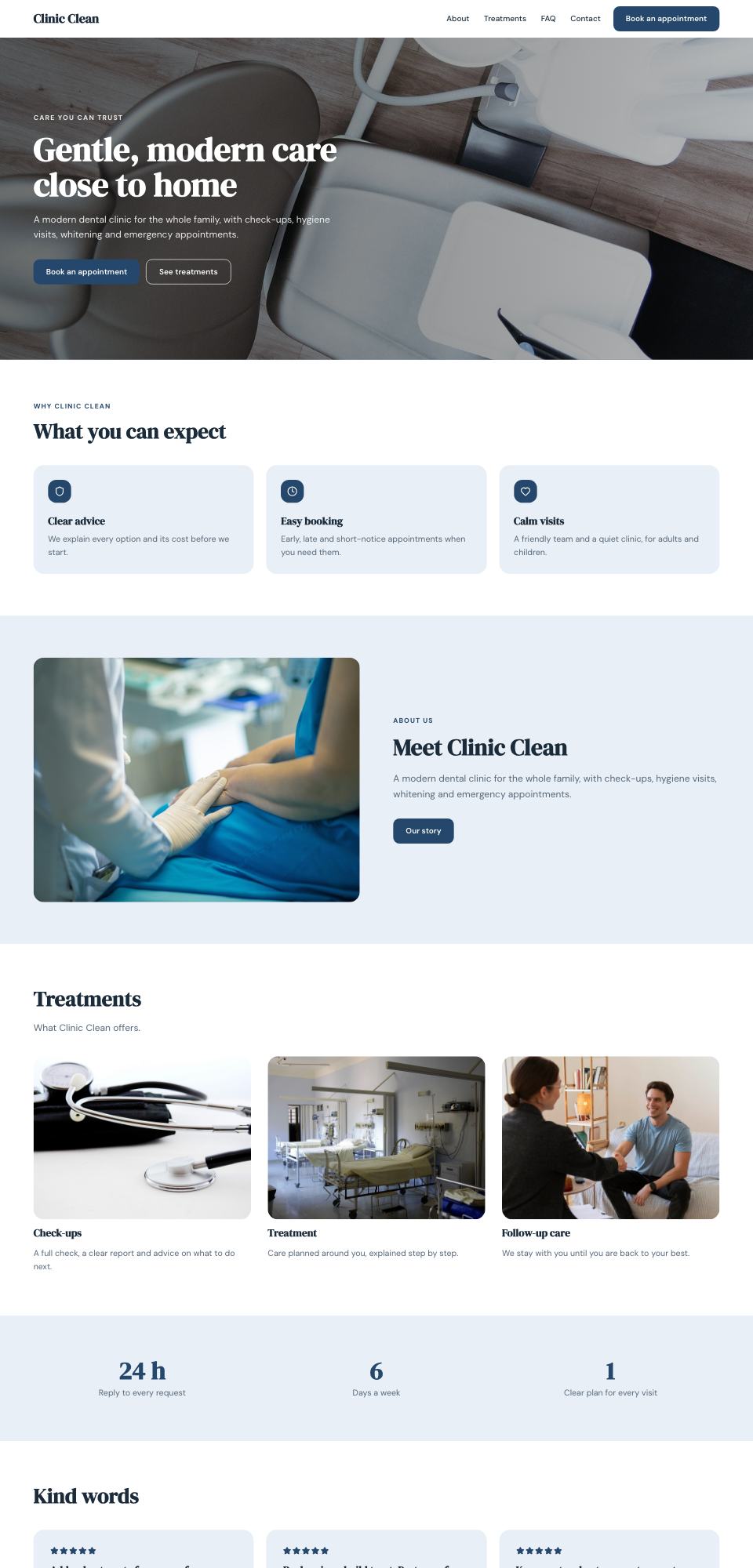
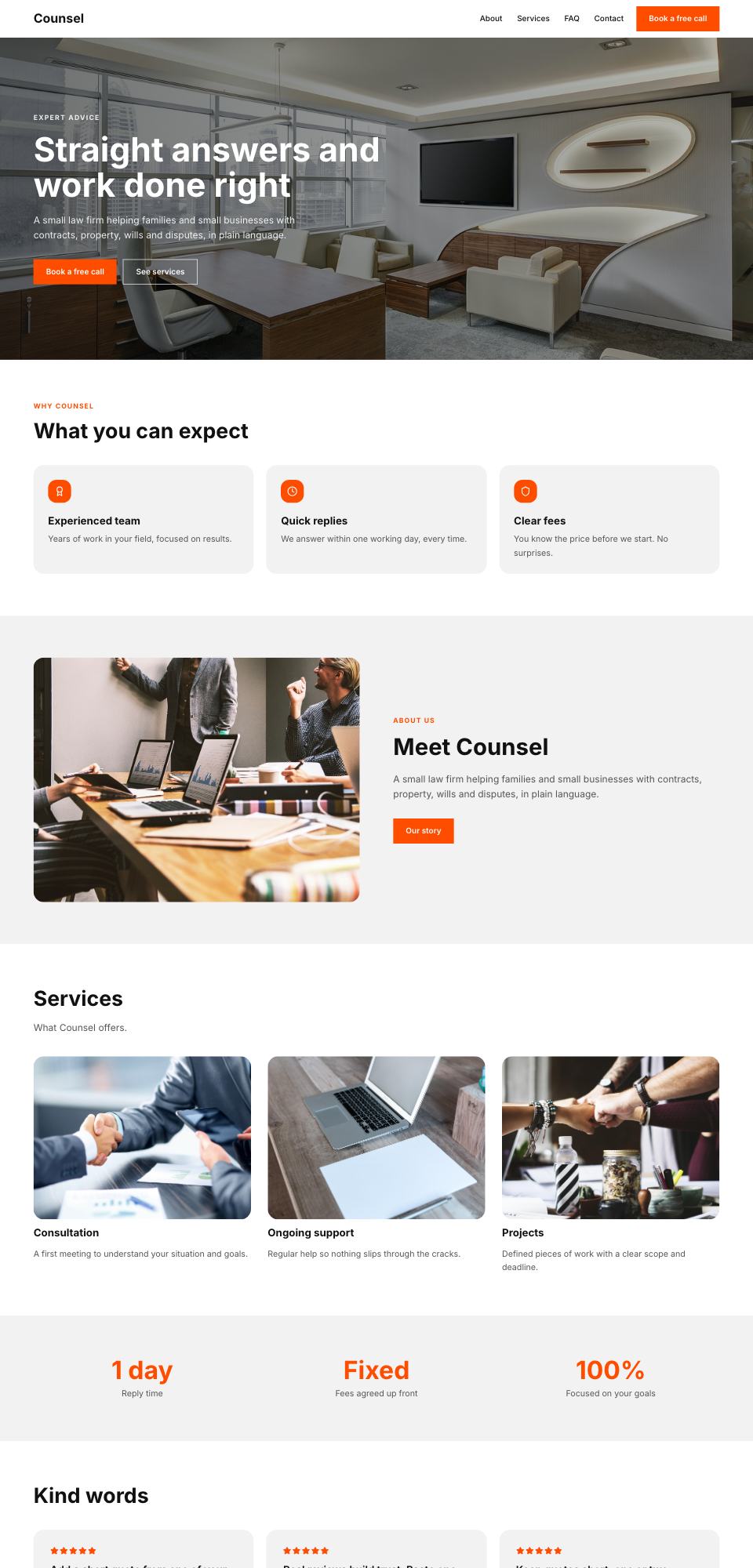
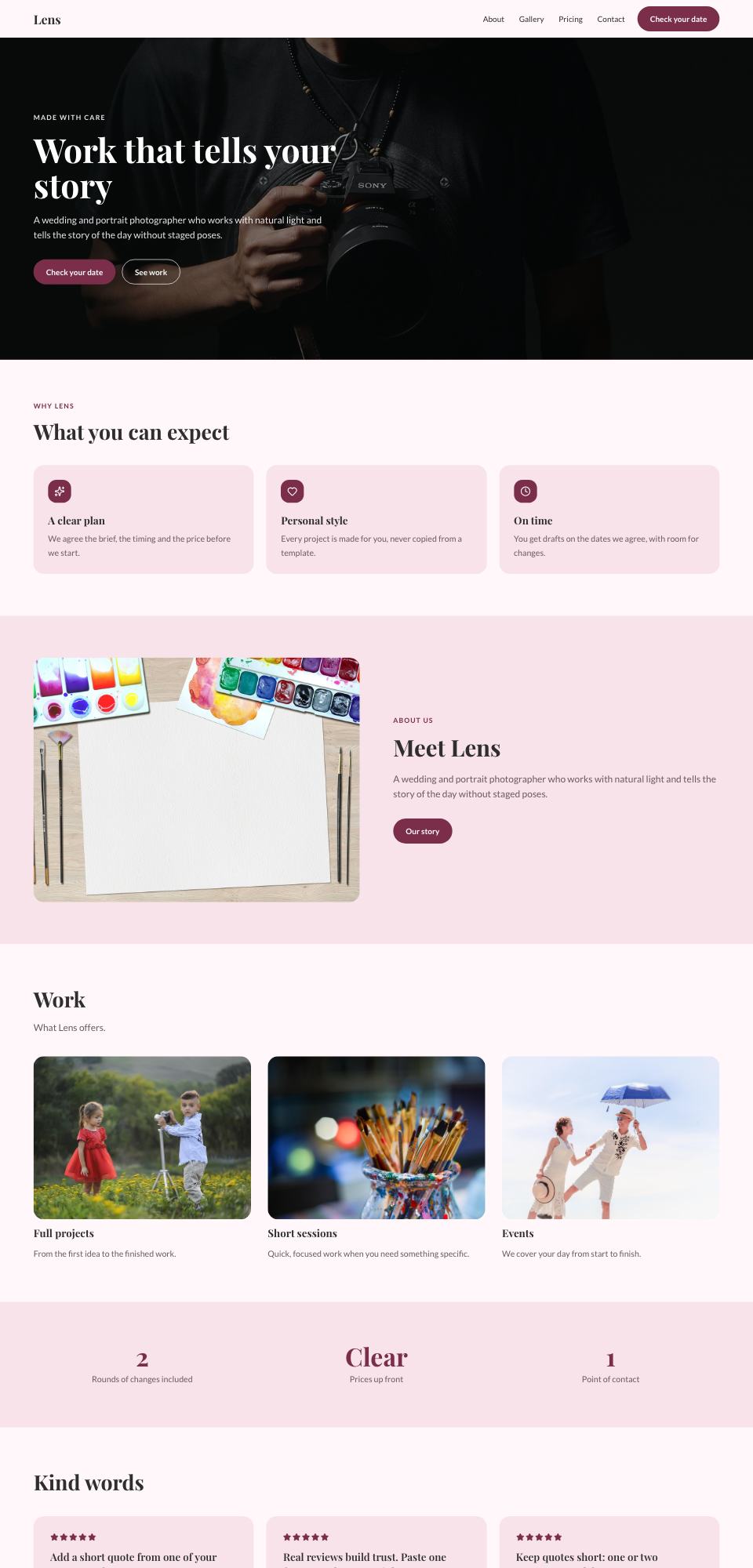
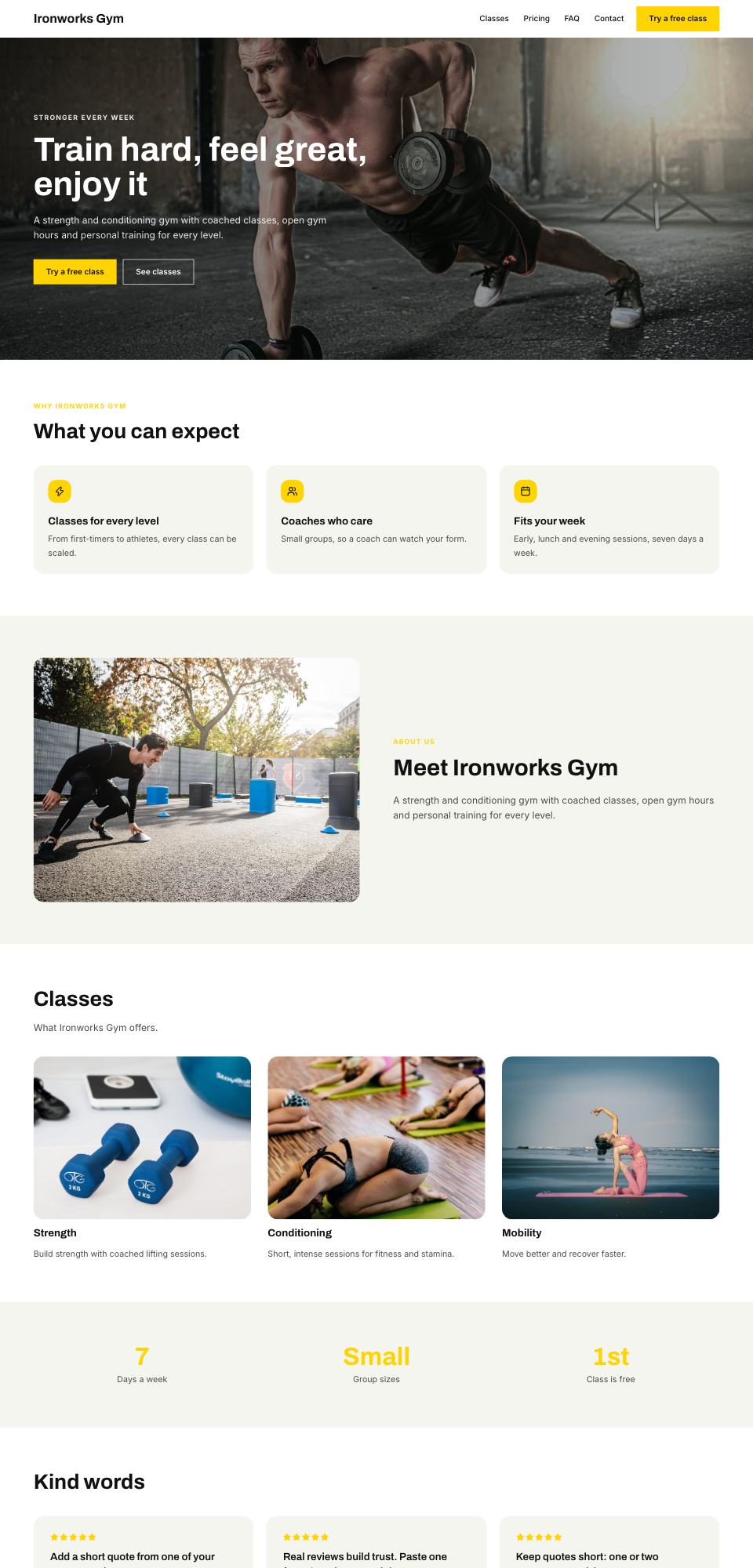
Start from a finished site

Every template is a real multi-page site your customers can copy and edit. Hover to scroll, click to open it live.

Live demos

Try it the way your customers will

One click, no sign-up. The builder gives you a private copy of a sample account; the admin is read only. Everything resets nightly.

The builder

Create a site with AI, edit blocks, rewrite with AI, change the style and publish.

Live demo →

The admin panel

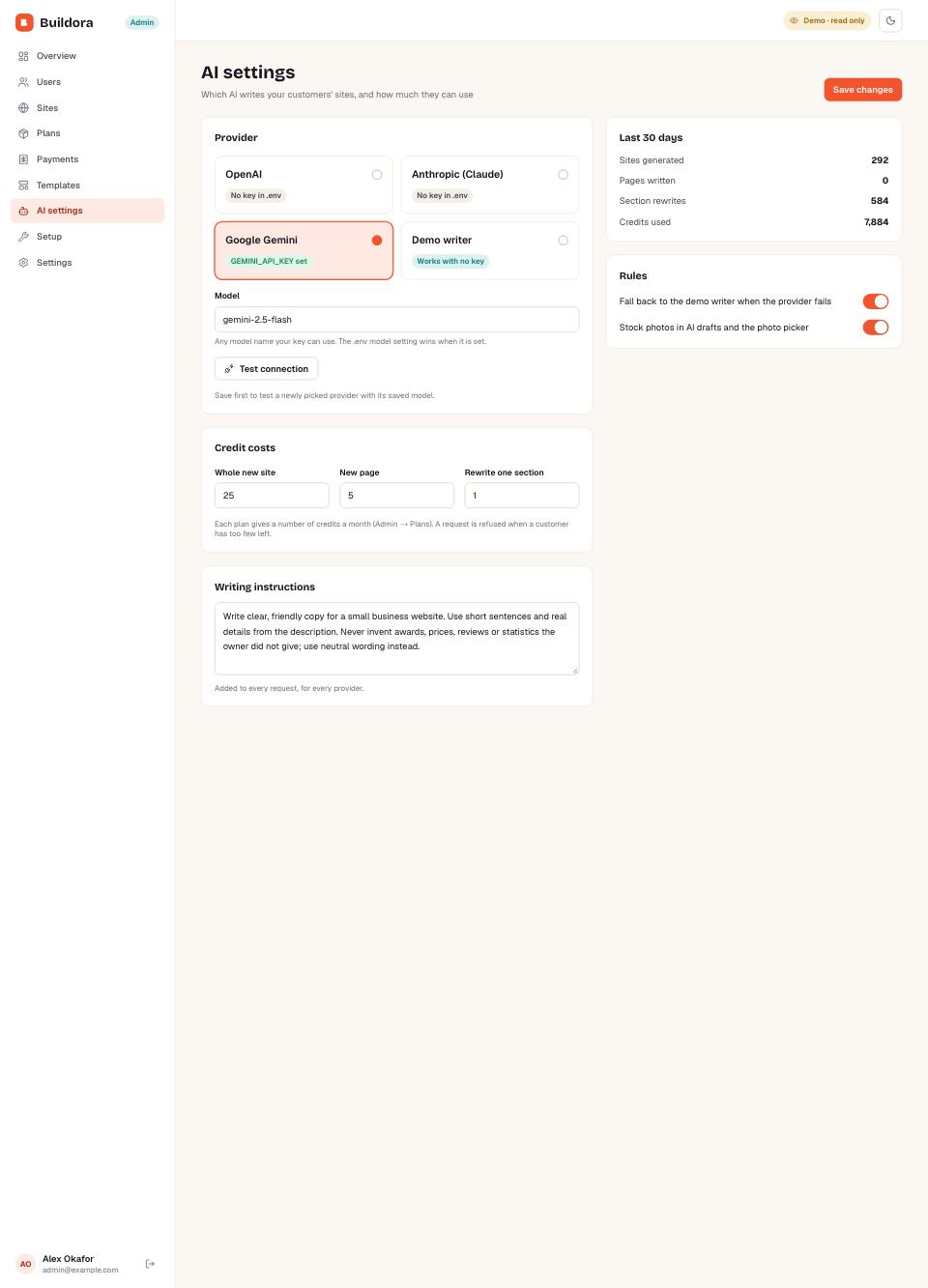
Revenue, users, sites, plans, payments, templates, AI settings and the setup check.

Live demo →

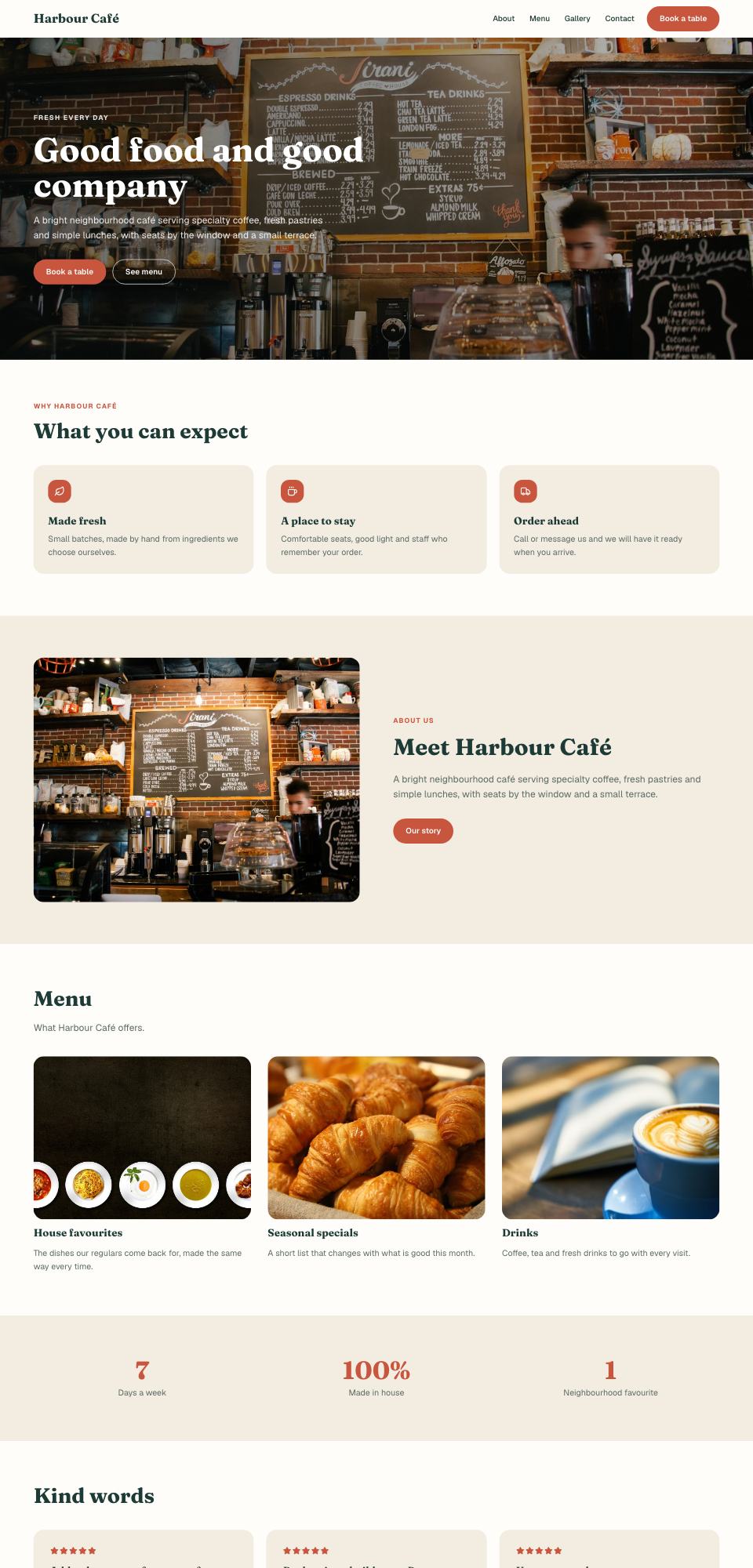
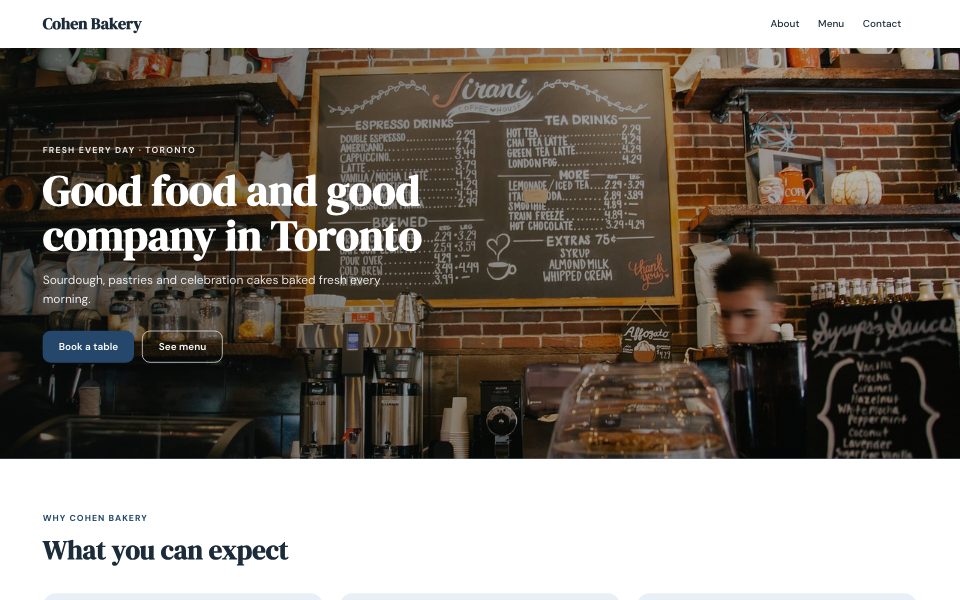
A published site

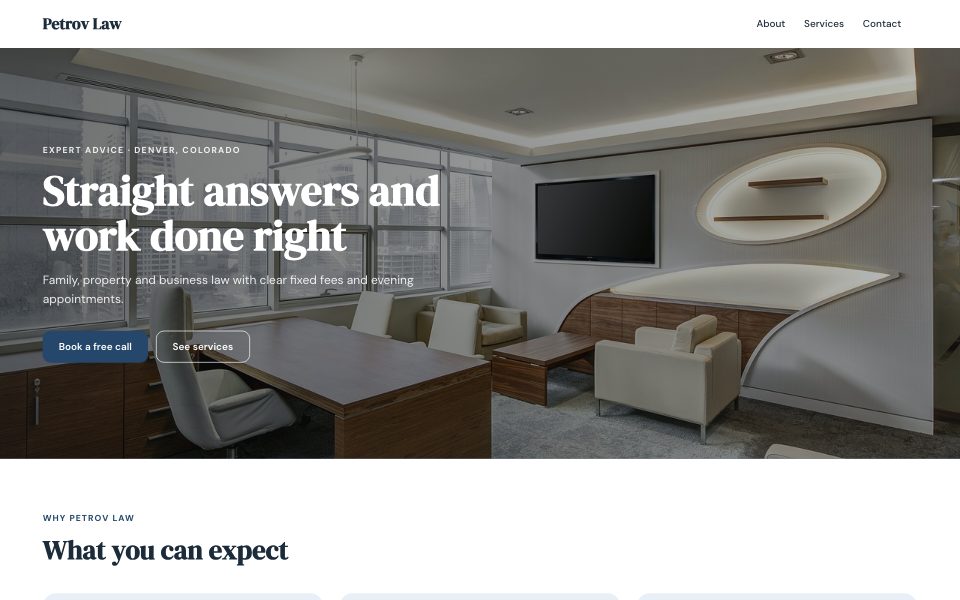
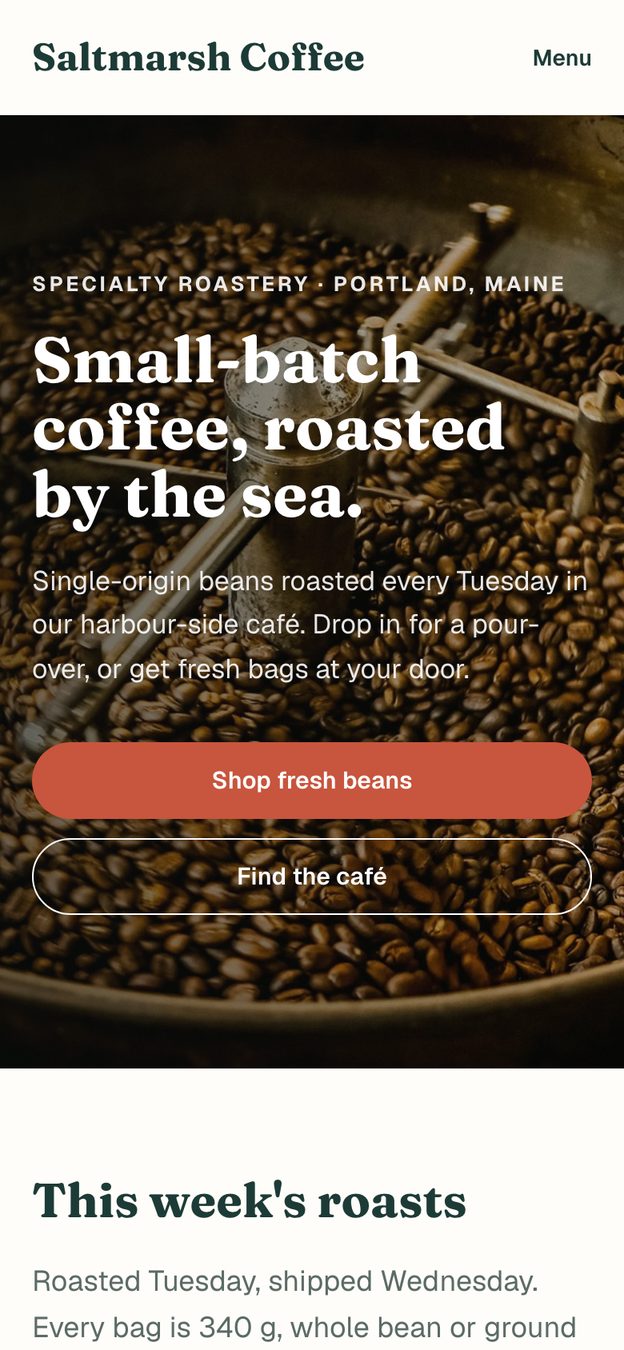
What your customers' visitors see: fast pages, a contact form and their own address.

Live demo →
Inside the app

Every screen, designed and filled

The builder your customers use and the admin panel you run it from. Hover to scroll, click to try it.

Made with Buildora

Sites your customers publish

Sample sites from the demo accounts, each drafted from one description.

Light and dark

Dark mode for the builder and the admin

Light, dark or the system setting, remembered for each user. Drag the handle to compare.

Buildora in dark mode
Buildora in light mode
LightDark
Responsive

Works on every screen

The builder, the editor and the admin panel all fit a phone, and every published site does too.

Buildora on a phone
Buildora on a phone
Buildora on a phone
Inside

Built to be easy to own

Bring your own AI key

OpenAI, Anthropic (Claude) or Google Gemini behind one adapter; pick the provider and model in the admin.

One-command install

docker compose up -d starts the app, PostgreSQL and file storage; an install wizard does the rest.

Only the keys

Every outside service has a working default: demo writer, test checkout, log-only email, local storage.

Rebrand without code

Name, logo, favicon, brand colour, fonts and legal pages from Admin → Settings.

Tested

Vitest API and unit tests plus Playwright browser tests; lint and type checks clean.

Modern, typed code

Next.js 16 App Router, React 19, TypeScript, Prisma 7, PostgreSQL and Tailwind CSS 4.

Support

We've got you covered

Step-by-step docs

Install with Docker, a VPS with HTTPS or Vercel, and every key explained.

Friendly support

Questions and fixes from the people who built it, through the item's Support tab.

Free updates

Fixes and new features, free for every buyer.

Start your website builder business

Open the builder, the admin panel or a published site. One click, no sign-up.